How to extract a color palette from an image
Pull HEX and RGB codes from any photo for design and branding work
You saved a travel photo with the perfect sunset gradients, a client sent a mood board JPEG, or a competitor's landing page uses a combination you want to study — not copy blindly, but understand. The fastest path from inspiration to production is extracting real hex codes from the image itself instead of guessing with an eyedropper on a compressed screenshot.
VSPIC Color Palette Extractor analyzes an uploaded image and returns a set of dominant colors with HEX values you can copy into design tools, CSS variables, or brand guidelines. It runs in your browser on vspic.com alongside Image Color Picker for pixel-perfect samples and CSS Gradient Generator for building backgrounds from those tones.
This guide explains how palette extraction works conceptually, why designers rely on it, how to use the VSPIC tool step by step, and how to build accessible, cohesive schemes from extracted swatches without letting algorithmic defaults make every project look the same.
What is VSPIC Color Palette Extractor?
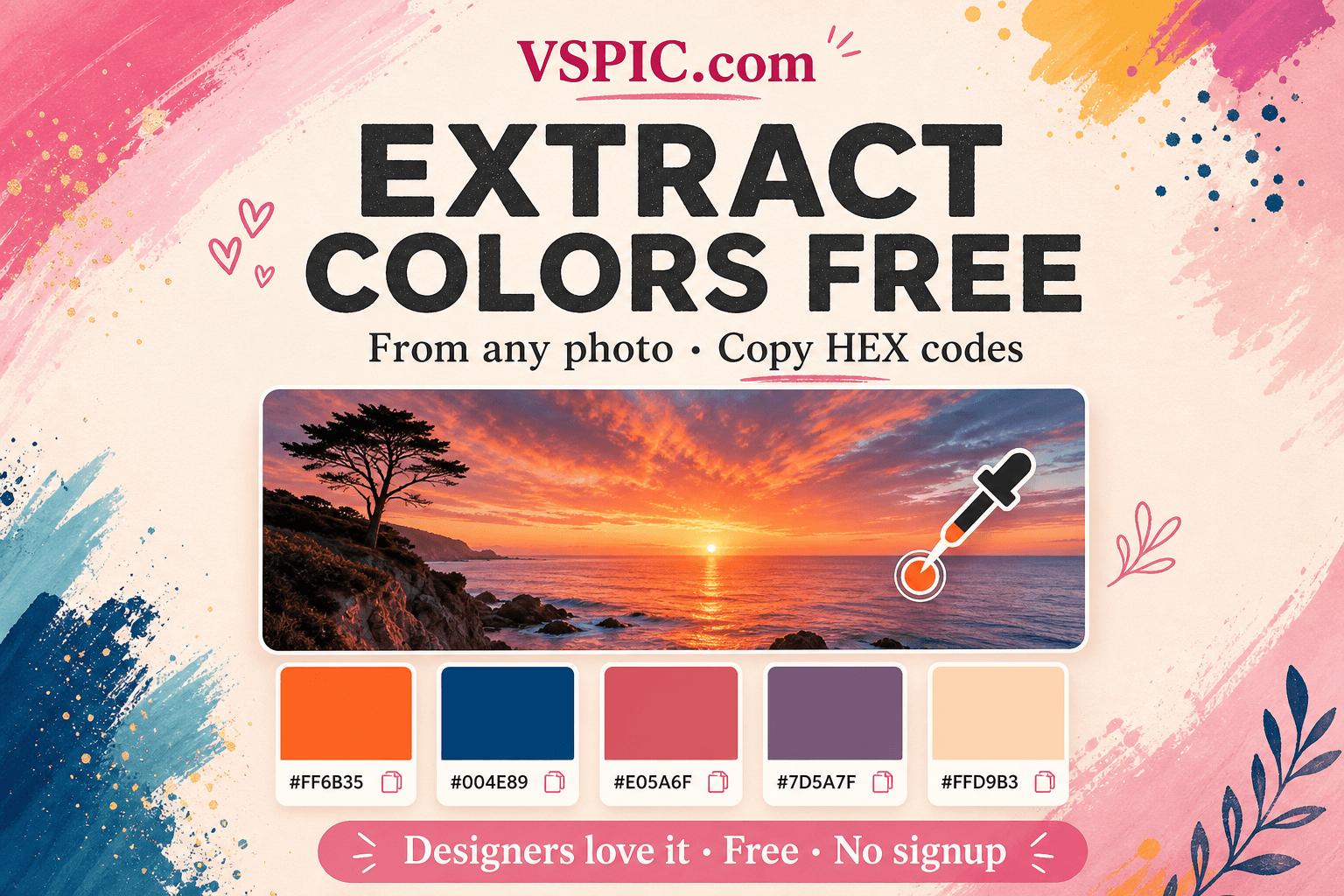
VSPIC Color Palette Extractor is a free online tool that reads an image file and outputs a color palette — typically five to eight dominant swatches represented as HEX codes like #E85D4C or #1A2B3C. The algorithm clusters similar pixels, weighs prominent regions, and surfaces colors that define the photo's visual identity rather than every stray noise pixel.
Designers use extracted palettes as starting points for websites, presentations, Instagram templates, and product packaging. Developers paste HEX values into CSS custom properties. Marketers align ad creative with photography from a brand shoot without reopening expensive stock licenses for color reference.
The tool complements VSPIC Image Color Picker, which lets you click an exact pixel, whereas the palette extractor summarizes the whole composition automatically. Use both when you need macro harmony and micro precision on the same source file.
Why extract colors from an image?
Human eyes are excellent at recognizing pleasing combinations and terrible at remembering precise values. Extraction bridges that gap — you keep the emotional truth of a photograph while gaining machine-readable codes your toolchain understands.
- Brand alignment — match UI colors to existing photography and logo assets.
- Speed — skip manual eyedropper sampling across twenty reference images.
- Mood boards — turn Pinterest inspiration into actionable swatch libraries.
- Accessibility checks — test contrast pairs after selecting extracted neutrals and accents.
- Cross-tool workflow — paste HEX into Figma, Tailwind config, or Canva brand kits.
- Education — teach color theory with real-world examples students can quantify.
How to extract a palette on VSPIC
- Choose a source image with clear dominant tones — landscapes, product shots, and flat illustrations work well.
- Open vspic.com/color-palette-extractor in your browser.
- Upload the image file (JPG, PNG, or WebP commonly supported).
- Wait for analysis — the tool clusters colors and displays swatches with HEX labels.
- Click or copy each HEX code into your clipboard.
- Optional: open Image Color Picker on the same image to refine a specific highlight or shadow tone.
- Document swatches in your style guide with usage notes — primary, accent, background, text.
- Test contrast ratios for text/UI pairs using your preferred accessibility checker.
For logos, upload a high-resolution PNG on a solid background. Busy photographic backgrounds behind logos can pollute dominant colors — crop the logo first with VSPIC Crop Image if needed.
Use cases for palette extraction
Web and app design
Frontend developers extract neutrals and accents from hero photography, then map them to CSS variables for buttons, links, and section backgrounds. The site feels photographed rather than templated because colors literally come from the imagery.
Social media templates
Creators build Instagram story backgrounds by sampling colors from their latest reel still. Consistent palettes make grids recognizable without forcing every post through the same filter preset.
Brand refresh projects
Agencies audit legacy brand photos to see which colors customers already associate with the company. Extracted palettes inform refreshed guidelines grounded in lived visual equity rather than abstract mood adjectives.
Interior and event styling
Event planners sample florals and venue photos to brief vendors on linen and signage colors. HEX codes translate inspiration photos into purchase orders for paint and fabric more reliably than verbal descriptions alone.
Advantages of VSPIC Color Palette Extractor
- Instant swatches — no manual clustering in design software.
- Browser-based — works on machines without Photoshop or Illustrator.
- Free — accessible to students, nonprofits, and side projects.
- Copy-ready HEX — drops directly into code and design tools.
- Pairs with Image Color Picker and CSS Gradient Generator on VSPIC.
- Privacy-friendly image workflows typical of VSPIC analyze tools in-browser.
Troubleshooting palette extraction
Palette looks muddy or gray-heavy
Low-light photos dominate with neutrals. Try a brighter source image, crop to the colorful subject, or manually pick accents with Image Color Picker. Extraction reflects the data present — it cannot invent saturation that was never captured.
Too many similar swatches
Gradients produce near-duplicate blues or greens. Select one as primary, discard redundant neighbors, and nudge HEX values slightly for intentional hierarchy — base, hover, active states in UI design.
Colors differ from what I see on screen
Monitor calibration, browser color profiles, and image compression shift perception. Extract from the highest-quality source file available. Validate final designs on multiple displays before printing or large-format signage.
Logo colors seem wrong
Crop tightly to the mark or upload a vector-exported PNG on white. Complex backgrounds steal weight from logo pixels during clustering. For official brand colors, trust documented brand guidelines over automated extraction alone.
Tips for building palettes from extracted colors
- Assign roles — pick one accent, one dark text, one light background from the set.
- Adjust saturation deliberately — extracted accents may need ±10% tuning for UI contrast.
- Generate gradients with VSPIC CSS Gradient Generator using two adjacent extracted tones.
- Document HEX plus plain-language names — Ocean Teal (#2A9D8F) helps non-designers.
- Check WCAG contrast for body text pairs — beauty without readability fails accessibility.
- Keep source images organized — link each palette to the photo in your Notion or Figma library.
- Do not over-fit competitor palettes — inspiration, not identity theft.
Color extraction methods compared
| Method | Speed | Precision | Best for |
|---|---|---|---|
| VSPIC Color Palette Extractor | Fast — whole image | Dominant themes | Mood boards and starter palettes |
| VSPIC Image Color Picker | Manual per click | Pixel exact | Matching a specific button shade |
| Photoshop eyedropper + manual swatches | Slow | High control | Print production with spot colors |
| AI generative palette sites | Fast | Sometimes fictional | Exploration when no photo exists |
| Brand guideline PDF | Instant if available | Authoritative | Official corporate colors |
| CSS theme frameworks | Instant | Generic defaults | Bootstrap-style rapid prototypes |
Safety, copyright, and ethics
Extracting colors from an image you do not own is usually not copyright infringement by itself — colors are functional facts. Copying entire branded trade dress, logos, and distinctive layouts is a different legal question. Use competitor analysis ethically; differentiate your final design system.
Photos of people and private spaces may contain EXIF metadata. Strip sensitive metadata with VSPIC metadata tools before publishing source files publicly. Respect model releases when extracting palettes from client photography.
- Use licensed or original photography as palette sources.
- Do not reproduce trademarked color combinations that identify competitors uniquely.
- Archive official brand HEX values alongside extracted suggestions for audit trails.
- Remove GPS EXIF from location-sensitive images before sharing uploads.
Conclusion
VSPIC Color Palette Extractor turns inspiration into actionable HEX codes in seconds. Upload, copy swatches, refine with Image Color Picker, and build gradients and UI themes that feel tied to real photography. Let algorithms suggest — you curate — and your work stays distinctive, accessible, and on-brand.
Pull dominant colors from your image now — free in your browser.
Extract a PaletteCommon questions, direct answers
How does a color palette extractor work?
The tool analyzes pixel colors in your image, clusters similar values, and weights prominent regions to return dominant swatches as HEX codes. It summarizes the whole composition rather than sampling one pixel at a time.
Is VSPIC Color Palette Extractor free?
Yes. Upload an image on vspic.com/color-palette-extractor and copy HEX values without payment or account signup.
What is a HEX color code?
HEX is a six-digit hexadecimal notation for colors on screens, written like #FF5733. Web and design tools use HEX widely in CSS, Figma fills, and Canva color inputs.
How is palette extraction different from the Image Color Picker?
Palette Extractor returns multiple dominant colors automatically. Image Color Picker lets you click a specific pixel for an exact sample. Use both together for macro and micro color work.
How many colors does the extractor return?
Typical outputs include roughly five to eight swatches depending on image complexity and tool settings. Curate the set down to primary, secondary, neutral, and accent roles for production use.
Can I extract palettes from logos?
Yes, but crop tightly to the logo and prefer clean PNG sources. Busy backgrounds skew results. Official brand guidelines still override automated extraction for trademark colors.
Will compressed JPEGs affect extracted colors?
Heavy JPEG compression introduces artifacts that can shift swatches slightly. Use the highest-quality source file available when precision matters for print or brand compliance.
Can I use extracted palettes commercially?
Using color values derived from your licensed or original photography is standard design practice. Do not copy entire competitor brand systems or logos — colors alone are usually not copyrightable, but trade dress can be.
How do I ensure accessible text contrast?
After choosing text and background HEX pairs from extracted swatches, run them through a WCAG contrast checker. Adjust lightness until body text meets at least 4.5:1 contrast for normal sizes.
Does the tool work on mobile photos?
Yes. Phone photos upload like any JPG or HEIC-converted image. Convert HEIC to JPG on VSPIC first if your browser session requires a specific format.
Can I build CSS gradients from extracted colors?
Copy two related swatches into VSPIC CSS Gradient Generator to preview linear and radial backgrounds, then paste the CSS into your project.
What other VSPIC tools complement palette extraction?
Designers chain Crop Image for tighter samples, YouTube Thumbnail Resizer for branded video art, Screenshot Beautifier for docs, and Image Color Picker for pixel-level tweaks on the same upload.
Safe in our hands
VSPIC takes security seriously. Remember that…
- Free tools run in your browser when possible — your files and queries are not stored longer than needed to complete your request.
- No account is required. Use any tool immediately without sharing an email address.
- We use HTTPS on every page so data in transit is encrypted between your device and our servers.
- We only process what is needed to complete your request and do not sell your data or personal information.
Guides are written by the VSPIC Editorial Team under our editorial policy.
Open the free tool, use Color Palette Extractor, and get results in seconds.
Try Color Palette Extractor now