How to convert HEIC to JPG on iPhone and Windows
Open iPhone photos everywhere — online converter, no install
Apple’s HEIC format saves storage on iPhones but breaks uploads on many Windows apps, university portals, and older CMS tools that only accept JPG. You do not need iTunes or a paid converter — decode HEIC in your browser and download JPG in seconds.
This guide covers when to convert, quality settings to check, and how VSPic keeps files on your device during conversion.
What is HEIC?
HEIC (High Efficiency Image Container) is Apple’s default photo format on modern iPhones. It offers better compression than JPG at similar visual quality — but Windows, Chromebooks, and many web forms still expect .jpg files.
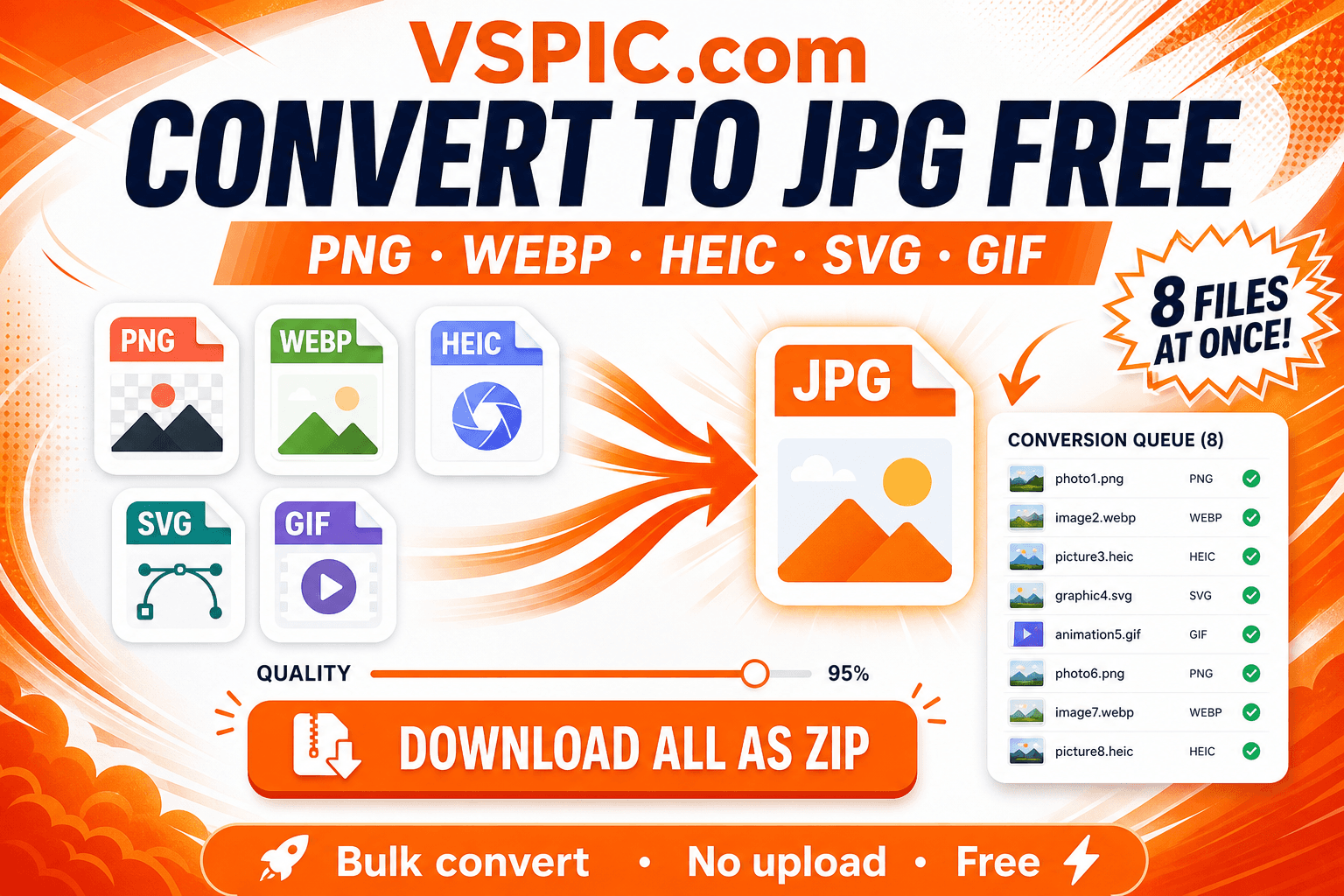
Convert HEIC to JPG online
- Transfer the HEIC file to your computer or open Files on iPhone in Safari.
- Visit VSPic HEIC to JPG (/heic-to-jpg).
- Upload the HEIC photo and wait for the preview.
- Download JPG and verify faces and text look correct before submitting forms.
When to use PNG instead
Choose HEIC to PNG when you need lossless editing or transparency after conversion. For maximum compatibility with exam and visa uploads, JPG remains the safer default.
Free — runs in your browser on VSPic.
Convert HEIC to JPGCommon questions, direct answers
Does converting HEIC to JPG reduce quality?
JPG is lossy — some detail is discarded. For form uploads, a high-quality JPG export is usually indistinguishable from HEIC on screen.
Can I batch convert HEIC files?
Use the main Convert to JPG hub when you need multiple files in one session — check the workspace for batch support.
Safe in our hands
VSPIC takes security seriously. Remember that…
- Free tools run in your browser when possible — your files and queries are not stored longer than needed to complete your request.
- No account is required. Use any tool immediately without sharing an email address.
- We use HTTPS on every page so data in transit is encrypted between your device and our servers.
- We only process what is needed to complete your request and do not sell your data or personal information.
Guides are written by the VSPIC Editorial Team under our editorial policy.
Open the free tool, use HEIC to JPG, and get results in seconds.
Try HEIC to JPG now