How I Built an 80+ IP Lookup Website with Next.js 15
Lessons from shipping a white-label IP, DNS, and security toolkit as a side project — and who might want the same starting point.
Search traffic for “what is my IP,” “DNS lookup,” and “WHOIS domain” never really went away. IT students, freelancers debugging client sites, and homelab owners still Google these queries every day. I wanted a project that matched that demand without turning into a six-month CMS build.
The result is IP Checker Online — a Next.js site with 88 network utilities on one domain. This post is not a sales brochure; it is the architecture and product thinking I would share with another developer considering the same niche. If you want to skip straight to the working product, the live demo is at ipchecker.online.
What problem was I trying to solve?
Utility websites are oddly durable. Unlike trend-driven SaaS categories, people keep searching for concrete answers: their public IP, whether a port is open, if a VPN is leaking DNS, or what nameservers a domain uses. Each query is small, but the long tail is enormous. One tool page might only see a few visits a day; dozens of them compound into meaningful organic traffic.
I also noticed a gap for developers and freelancers. Buying a generic WordPress theme and bolting on widgets looks dated fast. Visitors trust tools that feel fast, consistent, and technically credible. A cohesive Next.js app with shared layouts, typed API routes, and predictable SEO metadata was more interesting to me than stitching together plugins — and easier to white-label for different brands later.
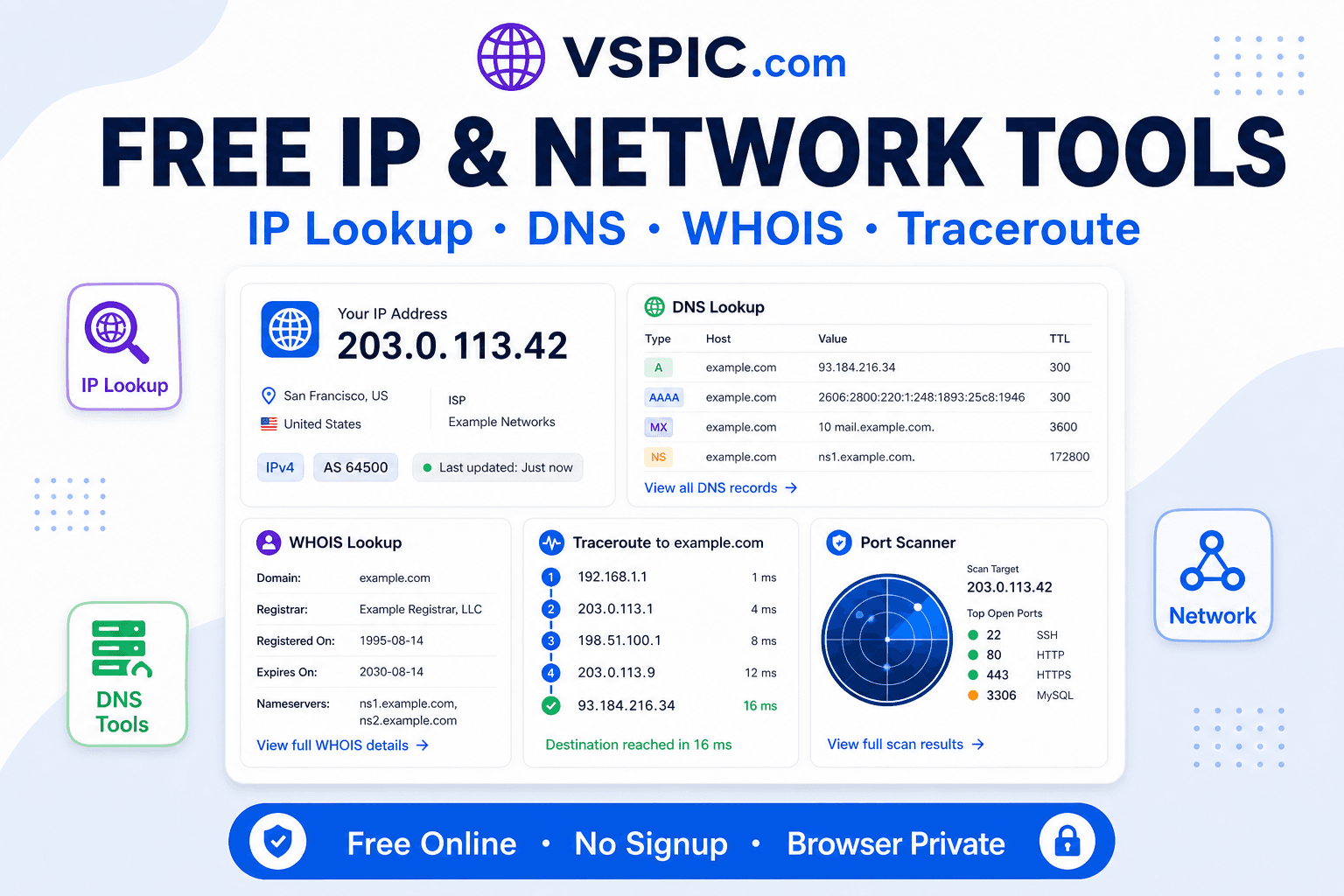
Why network tools are still an SEO opportunity
Image converters and PDF mergers are crowded. Network diagnostics sit in a sweet spot: high intent, recurring need, and less flashy competition from venture-backed startups. A sysadmin who lands on your DNS lookup page may bookmark the whole toolkit. Students share subnet calculator links in Discord. Small agencies embed “check your headers” tools in client reports.
The SEO play is structural, not gimmicky. Every tool gets its own URL, title, description, and internal links to related utilities — IP lookup linking to geolocation, DNS lookup linking to propagation checks, and so on. That hub-and-spoke pattern is boring on paper, but search engines still reward clear topical clusters when pages genuinely help users complete a task in one session.
Tech stack: Next.js 15, TypeScript, and no database
I chose Next.js 15 with the App Router because most tool pages are read-heavy and benefit from static generation at build time. React 19 and TypeScript keep the UI components and API handlers consistent as the tool count grows — at 88 pages, untyped config files become expensive mistakes. Tailwind CSS and Shadcn UI sped up forms, tables, and result panels without designing a new button every afternoon.
The deliberate constraint was skipping a database. Network tools fetch live data from external services and public registries; persisting user queries would add GDPR headaches, hosting cost, and backup duty without improving the core experience. Instead, the app uses 31 API routes as a thin server layer — validating input, calling upstream APIs, normalizing responses, and returning JSON the client can render. Deploy on Vercel or any Node host, set environment variables for branding and API keys, and you are live.
- Static and server-rendered tool pages for crawlability and fast first paint.
- Typed route handlers instead of a tangle of one-off PHP scripts.
- Central SEO registry so titles and descriptions do not drift per page.
- Legal page templates included — privacy, terms, cookies — because AdSense and analytics require them anyway.
Four features that mattered more than flashy UI
1. White-label configuration
Site name, domain, contact email, and accent branding live in environment variables and a small config layer. I did not want to fork the codebase for every buyer or side project. If you run multiple utility domains, you swap .env values and redeploy — the tool logic stays identical.
2. Breadth with shared patterns
Eighty-eight tools sounds excessive until you standardize them. Most pages follow the same shell: input, validation, loading state, result cards, FAQ block, related tools. OCR, subnet calculators, and VPN leak tests look different to users but share infrastructure. That is how you ship breadth without 88 separate codebases.
3. SEO and structured data baked in
Sitemaps, per-route metadata, and JSON-LD are not afterthoughts. Tool pages include FAQs where they help rich results. I treat organic search as the primary acquisition channel — which means no duplicate titles, sensible canonical URLs, and internal links that read naturally to humans, not just crawlers.
4. Monetization-ready layout
Display ad slots and affiliate CTAs are easier to design in from the start than to cram in after traffic arrives. The layout leaves room for AdSense without breaking the tool UI on mobile — still the majority of IP lookup traffic in my analytics.
See it running before you reinvent it
Reading architecture notes only goes so far. The production site at ipchecker.online is the reference implementation — same tool set, same flows, same performance profile you get from the template. Click through DNS lookup, WHOIS, a speed test, and the subnet calculator to see how result pages feel on desktop and phone.
Explore all 88 tools on the production site.
Open live demo — ipchecker.onlineWho this approach fits
This project pattern is a strong match if you are a web developer, freelancer, or indie hacker who wants a monetizable utility site without building from zero. It is less ideal if you need deep enterprise ticketing, user accounts, or stored history — that is a different product category with different compliance obligations.
If you are already comfortable deploying Next.js apps, you can treat the template as a head start on routing, SEO, API glue, and UI polish — then customize tools, copy, and design tokens for your niche or regional market.
Getting the full source template
I packaged the complete project for other builders who want the same foundation without spending months on boilerplate. You get the full Next.js 15 source — 88 tool pages, 31 API routes, white-label config, legal pages, and deployment docs. The Regular license covers sites you operate yourself; reselling the source as your own template is not permitted.
It is $29 on Gumroad and Codester. On Gumroad, use code LAUNCH20 at checkout for 20% off. Pick whichever marketplace you already trust — the deliverable is the same.
20% off with LAUNCH20 at checkout.
Buy on Gumroad — $29 (code LAUNCH20)Same full source download on Codester.
Buy on Codester — $29Feature list, FAQ, and tech stack on our products page.
View product details on VSPICFinal thoughts
The hardest part of utility sites is not the framework — it is showing up consistently with useful pages, honest metadata, and tools that actually work. Next.js 15 gave me a maintainable base; saying no to a database kept ops simple; the long tail of network queries provided the business case. If you are weighing a similar side project, start with five tools, measure search impressions, then expand the cluster. Or start from the demo, see what you would change, and ship your version faster.
Common questions, direct answers
How many tools does IP Checker Online include?
The site ships with 88 network-related tools — IP lookup, DNS, WHOIS, speed tests, port scanning, VPN leak checks, subnet calculators, OCR, and more — each on its own SEO-friendly URL.
Does the template require a database?
No. Tools run through Next.js API routes and external services. You do not need MySQL, PostgreSQL, or MongoDB for the default setup.
Can I rebrand the site for my own domain?
Yes. Branding, site name, and URLs are configurable via environment variables. The Regular license allows use on sites you own; redistributing the source code as a competing product is not allowed.
Where can I try it before buying?
The live demo at ipchecker.online shows the full toolkit in production. Gumroad and Codester both sell the complete source for $29; Gumroad accepts code LAUNCH20 for 20% off.
Safe in our hands
VSPIC takes security seriously. Remember that…
- Free tools run in your browser when possible — your files and queries are not stored longer than needed to complete your request.
- No account is required. Use any tool immediately without sharing an email address.
- We use HTTPS on every page so data in transit is encrypted between your device and our servers.
- We only process what is needed to complete your request and do not sell your data or personal information.
Guides are written by the VSPIC Editorial Team under our editorial policy.