How to unlock a password-protected PDF
Remove PDF passwords you own — decrypt and edit locked documents
Password-protected PDFs serve an important purpose until they become a workflow bottleneck. You know the password, but your accounting software cannot import encrypted bank statements. A colleague needs to print a locked HR form and their viewer blocks output. A client sent a contract you must annotate, yet editing is disabled by owner-password restrictions. In each case, removing encryption — when you are legally and ethically authorized to do so — restores normal editing, printing, and archiving.
VSPIC Unlock PDF is a free browser tool that decrypts PDF files when you supply the correct user or owner password. The output is a standard unprotected PDF you can merge, split, compress, or re-encrypt with a new password. Processing happens locally in your browser; VSPIC does not upload your file or store your passphrase on a server. Use this tool only on documents you own or have explicit permission to modify.
What does unlocking a PDF mean?
Unlocking a PDF — also called decrypting or removing password protection — strips encryption from the file so anyone with the file can open it without entering a password, subject to any remaining permission flags cleared during decryption. The content, layout, fonts, and images remain the same; only the security wrapper is removed. This differs from cracking unknown passwords, which VSPIC does not support and which may violate law or policy.
PDFs may carry a user password (required to open) and an owner password (controls printing, copying, and editing). Unlock tools typically need one valid password to decrypt the document. After decryption, downstream tools can merge the PDF, extract pages, run OCR, or apply a new password with different rules.
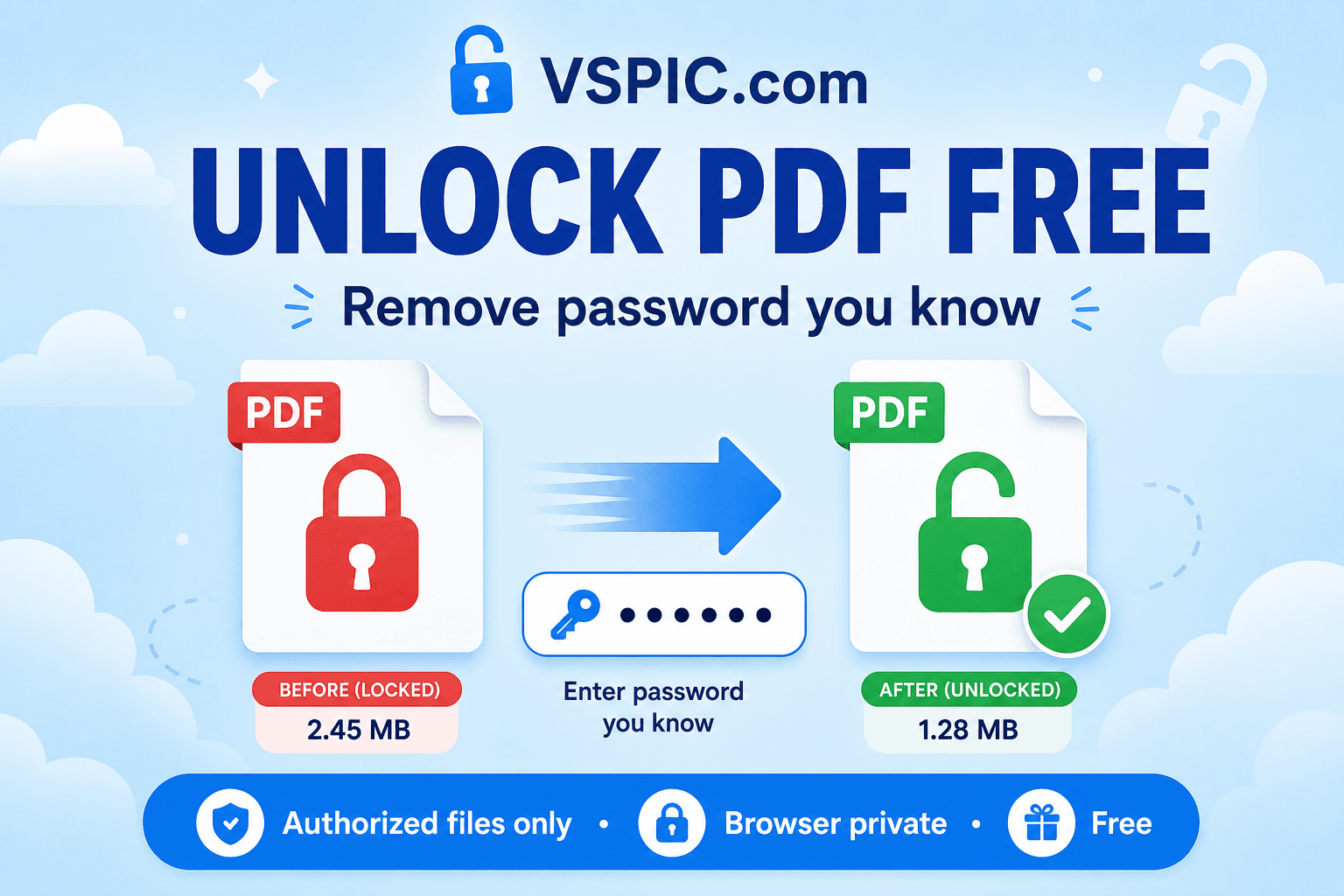
VSPIC Unlock PDF runs entirely in your browser. You provide the file and the password you already know; the tool writes a decrypted copy to your Downloads folder. That architecture keeps financial statements, legal agreements, and internal reports off third-party servers — critical when compliance teams prohibit cloud conversion of client data.
Why remove PDF passwords when you have them?
Import into systems that reject encrypted PDFs
Expense platforms, e-filing portals, and document management uploads often fail silently on encrypted PDFs. Unlocking once before upload prevents support tickets and missed deadlines.
Enable printing and copying for legitimate workflows
Owner-password restrictions may block printing even when you know the open password. Decrypting with the owner password restores permissions so staff can produce hard copies for signatures or copy citation text into research notes.
Archive long-term copies without password drift
Teams lose track of passwords years after a file was protected. When you still know the passphrase during an active project, save an unencrypted archive copy in a secure vault — or re-protect with a managed team password — before institutional memory fades.
Prepare for merge, split, or edit operations
Many browser PDF tools cannot modify encrypted inputs. Unlock first, then merge chapters with Merge PDF, extract pages with Split PDF, or rotate scans — faster than asking every stakeholder to re-export from source applications.
Replace weak legacy passwords
Decrypt with the old password, then use VSPIC Protect PDF to apply a stronger passphrase and modern encryption. Password rotation is good hygiene after staff departures or vendor breaches.
How to unlock a PDF with VSPIC
Confirm you are authorized to remove protection. Unlock only files you created, received with permission to modify, or hold under contract rights that allow decryption. Have the correct password ready — VSPIC cannot recover forgotten passphrases.
- Open Unlock PDF on vspic.com and upload the password-protected PDF from your device.
- Enter the user password (to open) or owner password if the tool requests it. Try the password you use to view the file first.
- Start decryption and wait for processing to complete in the browser. Large files may take longer on mobile devices.
- Download the unlocked PDF and verify it opens without a password. Store the decrypted copy securely; unencrypted files expose content to anyone who obtains the file.
Remove passwords you know. Local processing, no signup.
Unlock your PDF now — freeReal-life use cases for unlocking PDFs
Accountant importing bank PDFs
Banks email password-protected statements. Bookkeeping tools require unencrypted imports. Accountants unlock with the client-provided password, import transactions, and store decrypted copies in encrypted drives — not in plain email archives.
Legal discovery and redaction prep
Received productions may arrive encrypted with a shared passphrase. Paralegals decrypt authorized copies before loading into redaction software that cannot handle encrypted inputs.
University transcript submissions
Students download password-protected official transcripts. Application portals reject them. Students unlock with the issuer's password, upload the clear PDF, and delete local copies from shared computers afterward.
Internal IT migration
Migrating document libraries to a new DMS fails on encrypted PDFs unless passwords are indexed. Bulk unlock during migration — with change-management approval — simplifies search indexing and preview generation.
Accessibility and assistive technology
Some screen-reader workflows struggle with certain encrypted PDFs. Authorized unlock enables reflow and text extraction for employees who need accessible formats.
Advantages of VSPIC Unlock PDF
- Free decryption when you supply the valid password.
- Local browser processing — no upload to VSPIC servers.
- Produces standard unencrypted PDFs for any downstream tool.
- Works without Adobe Acrobat installation.
- Complements Protect PDF for password rotation workflows.
- Available on desktop and mobile browsers.
Unlock PDF is intentionally not a password-cracking service. That design protects document owners and keeps VSPIC aligned with legitimate use. If you forgot the password, contact the document sender or check your organization's password vault — brute forcing is neither supported nor reliable for strong passphrases.
Common problems and fixes
Password rejected though it opens in Adobe Reader
Some PDFs distinguish user and owner passwords. Try both if you have them. Check keyboard layout and caps lock. Copy-paste passwords from password managers to avoid typos, but beware trailing spaces in chat messages.
Unlocked file still shows restrictions
Re-open the downloaded output, not the original encrypted file. If restrictions persist, the source may use certificate-based security rather than password encryption — those files need desktop tools and credentials tied to certificates.
Tool cannot process the file
Corrupted downloads or incomplete email attachments fail decryption. Re-download from the source. Extremely old PDF encryption versions may need legacy desktop software.
Worried about uploading sensitive PDFs
VSPIC decrypts locally; the file should not leave your device. Still avoid unlocking on untrusted public computers, and clear Downloads after working with confidential material.
Expert tips for responsible PDF decryption
- Unlock only when policy and law permit — do not bypass protection on documents you are not authorized to modify.
- Delete unencrypted copies when no longer needed; they are easier to leak than encrypted originals.
- Re-encrypt with Protect PDF before emailing decrypted files externally.
- Log password removal in compliance-sensitive environments for audit trails.
- Prefer owner-password unlock when you need to preserve the user-facing open password on a copy — workflow dependent.
- Store master passwords in a team vault rather than sticky notes.
Removing a password does not remove metadata such as author names or hidden revision layers. Use additional tools if your compliance program requires metadata scrubbing.
VSPIC vs other ways to unlock PDFs
| Method | Best for | Privacy | Cost | Legal scope |
|---|---|---|---|---|
| VSPIC Unlock PDF (browser) | Known-password decryption | Local processing | Free | Authorized use only |
| Adobe Acrobat | Enterprise certificate security | Local desktop | Paid | Authorized use only |
| Google Chrome print to PDF | Some restricted PDFs | Local workaround | Free | May violate document terms |
| Password-cracking services | Forgotten weak passwords | Upload often required | Paid / questionable | Often prohibited by law/policy |
| Contact document sender | Forgotten password | No file processing | Free | Always appropriate first step |
Is VSPIC Unlock PDF safe to use?
Yes when used on authorized documents on trusted devices. Decryption runs in your browser without sending the PDF to VSPIC servers. Your password is used locally to derive keys and is not stored by VSPIC after the tab closes.
The larger safety question is handling the decrypted output. Unprotected PDFs should live in encrypted storage, not public cloud folders with open sharing links. Misuse — unlocking files you do not own — is unethical and may be illegal under computer fraud and copyright laws. VSPIC provides capability; you provide judgment.
Conclusion
Unlock PDF bridges the gap between password-protected delivery and tools that need clear files. VSPIC Unlock PDF decrypts locally, for free, when you know the password and have permission to remove protection. Import, merge, print, or re-encrypt on your terms.
Use it responsibly, secure the decrypted copies, and pair with Protect PDF when files must leave your organization again.
Common questions, direct answers
Can VSPIC unlock a PDF without the password?
No. VSPIC Unlock PDF requires the correct user or owner password. It is not a password-cracking or brute-force tool. If you forgot the password, contact the document owner or check your password manager.
Is it legal to remove PDF password protection?
Removing protection is legal when you have authorization — you created the file, hold rights to it, or received explicit permission. Bypassing protection on documents you do not own may violate law and terms of service. When in doubt, ask the document sender or your compliance team.
Does VSPIC upload my PDF or password to a server?
No. Decryption runs locally in your browser. Your file and password are used on your device and are not sent to VSPIC servers for unlocking.
What is the difference between user and owner passwords?
The user password opens the document. The owner password sets permissions like printing and copying. Either valid password may decrypt the file depending on how it was created. Try the password you normally use to view the PDF first.
Will unlocking change the content or layout?
No. Decryption removes the encryption layer while preserving pages, text, images, and formatting. The visual content should match what you saw when opening with the password.
Can I unlock PDFs on my phone?
Yes. Use Unlock PDF in your mobile browser, upload the file, enter the password, and download the decrypted copy to your files app.
Should I re-password after unlocking?
If you must store or send the file and still need confidentiality, use VSPIC Protect PDF with a new strong password. Unlocked files are readable by anyone who obtains the file bytes.
Why won't my PDF unlock even with the right password?
The file may use certificate-based security instead of password encryption, or it may be corrupted. Some DRM-protected ebooks are not standard PDFs. Try opening in Adobe Acrobat for error details or re-download from the sender.
Is Unlock PDF free for business use?
Yes. VSPIC Unlock PDF is free for personal and commercial use when you have authorization to decrypt the document.
Can I unlock then merge multiple PDFs?
Yes. Decrypt each file with Unlock PDF, then combine them with Merge PDF. Many merge tools require unencrypted inputs.
Does unlocking remove watermarks or redactions?
No. Watermarks and redaction marks are content or annotations, not encryption. Unlock only removes password protection.
How do I securely delete an unlocked PDF?
Delete the file from Downloads and empty trash. On sensitive systems, use secure erase tools per your organization's policy. Avoid leaving unencrypted copies on shared or synced folders.
Safe in our hands
VSPIC takes security seriously. Remember that…
- Free tools run in your browser when possible — your files and queries are not stored longer than needed to complete your request.
- No account is required. Use any tool immediately without sharing an email address.
- We use HTTPS on every page so data in transit is encrypted between your device and our servers.
- We only process what is needed to complete your request and do not sell your data or personal information.
Guides are written by the VSPIC Editorial Team under our editorial policy.
Open the free tool, use Unlock PDF, and get results in seconds.
Try Unlock PDF now