How to send a secret one-time message online
Share passwords and private notes that self-destruct after one read
Sharing a Wi-Fi password in a group chat, sending a staging API key to a contractor, or handing a recovery code to a family member all share the same risk: the secret lives forever in message history, screenshots, and backups. Even deleted messages often linger on servers you do not control.
VSPIC Secret Note solves the delivery problem without asking everyone to adopt a corporate secrets manager overnight. You type the sensitive content once, the tool returns a unique URL, and the note self-destructs after the recipient opens it — or after a time limit you choose, depending on how the session is configured.
This guide covers what Secret Note is, why one-time links beat plain chat for credentials, how to use the tool step by step, and the operational habits that keep your team safe when sharing confidential text.
What is VSPIC Secret Note?
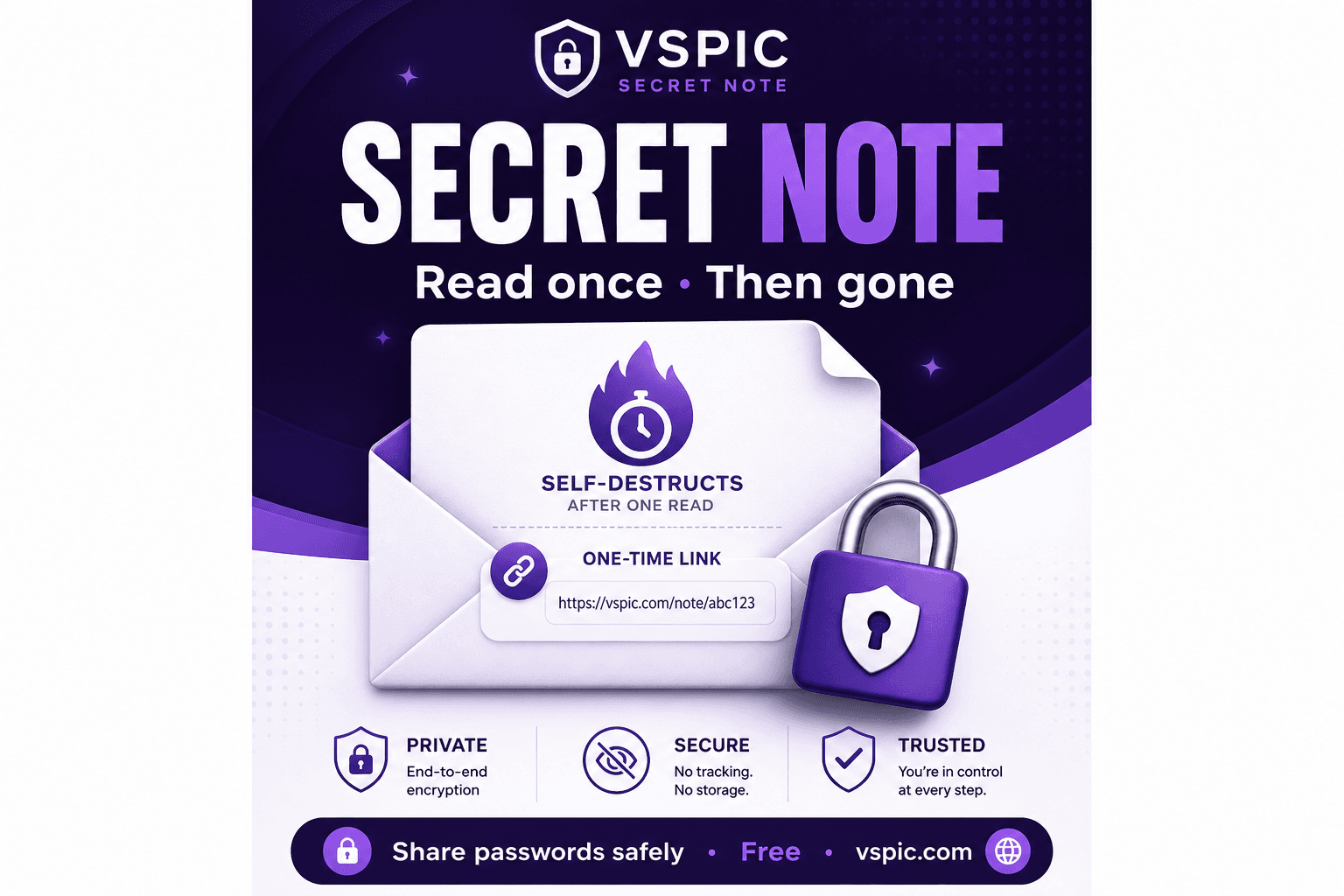
VSPIC Secret Note is a free online utility for creating self-destructing, one-time messages. Instead of emailing a password or dropping it into Slack, you paste the sensitive text into Secret Note, generate a link, and send only that link to the intended recipient. When they open it, they read the content once; the note is then destroyed and cannot be retrieved again from the same URL.
The tool is part of the VSPIC toolkit at vspic.com — the same site where you compress images, merge PDFs, and run developer utilities like CodeShare. Secret Note requires no account. You open the page in your browser, compose the note, copy the share URL, and distribute it through your normal communication channel while keeping the secret itself out of permanent logs.
One-time secret links are not a replacement for a full enterprise vault with rotation policies and audit trails. They are a pragmatic bridge: fast enough for daily handoffs, constrained enough that casual channel history does not become a credential warehouse.
Why use a one-time secret link?
Chat applications, email threads, and ticket comments are optimized for persistence and search — exactly the opposite of what you want for passwords. A one-time link inverts the model: the payload exists briefly, the URL is unguessable, and read-once semantics reduce the blast radius if a channel is later compromised or exported.
- No permanent chat history — the secret is not stored alongside months of team messages.
- Single-view semantics — after the recipient reads the note, the link stops working.
- Fast handoffs — create and share a link in under a minute without IT tickets.
- Works for non-technical recipients — they click a URL and read plain text; no CLI tools required.
- Complements real vaults — useful when onboarding someone who lacks vault access yet.
- Browser-based — no install on locked-down laptops common in client environments.
Security teams sometimes resist any web-based secret sharing. The honest framing: Secret Note is safer than pasting credentials in email for most small-team workflows, provided you follow basic hygiene — share links only in private channels, rotate credentials after use, and never treat one-time links as long-term storage.
How to use VSPIC Secret Note step by step
- Open vspic.com/secret-note in your browser.
- Type or paste the sensitive message — password, API token, recovery phrase, or private instructions.
- Optional: set an expiration or view limit if the interface offers those controls for your session.
- Click generate to create the one-time link.
- Copy the URL and send it to exactly one intended recipient through a private channel.
- Ask the recipient to confirm they retrieved the content; do not resend the same secret in chat if the link fails — generate a fresh note instead.
- Rotate the credential on the target system after handoff if policy requires single-use passwords.
Send the link separately from context when possible: for example, deliver the URL in Slack and mention the purpose in a phone call, so an attacker with chat access still lacks the note content. Avoid posting one-time links in public issue trackers or social media — the obscurity of the URL is not a substitute for access control.
Use cases for one-time secret messages
Sharing Wi-Fi and guest network passwords
Event organizers, Airbnb hosts, and office admins routinely broadcast guest Wi-Fi passwords. A Secret Note link shared by SMS or QR code lets visitors connect without exposing the password in a permanent Instagram caption or printed flyer that outlives the event.
Contractor and freelancer onboarding
Agencies grant temporary staging credentials to freelancers who may not have company SSO on day one. A one-time link delivers database URLs, FTP logins, or CMS passwords without embedding them in forwarded email chains that accumulate in inboxes for years.
Support and IT helpdesk
When resetting a user password, support staff can generate a one-time link instead of reading credentials aloud on a phone call recorded for quality assurance. The user opens the link privately and changes the password immediately.
Personal recovery information
Individuals occasionally need to send a recovery code, safe combination, or medical note to a trusted contact. Secret Note keeps that information out of family group chats that sync across devices and backups indefinitely.
Advantages of VSPIC Secret Note
- Read-once design reduces long-term exposure compared with chat paste.
- No signup friction — critical when the recipient is external or non-technical.
- Free — suitable for individuals, nonprofits, and small businesses watching costs.
- Pairs with VSPIC PDF and image tools when documentation and secrets travel together.
- Clear mental model — recipients understand 'open this once' faster than PGP key workflows.
- Works anywhere you have a browser — desktop, tablet, or phone.
Troubleshooting Secret Note issues
The link says already viewed or expired
One-time links stop working after the first successful read or when a timer expires. Previewing the link yourself burns the view. Generate a new note and send a fresh URL. Rotate any password that was exposed to the wrong person.
Recipient cannot open the link
Corporate proxies sometimes rewrite unknown URLs. Ask the recipient to try a personal network or mobile data. Confirm they copy the full URL without line breaks introduced by email clients. Avoid link shorteners that some security scanners block.
Accidentally sent the link to the wrong person
Treat this as a credential compromise. Revoke and rotate the secret on the target system immediately. Generate a new note only after rotation. Document the incident per your organization's policy.
Need to send the same secret to multiple people
Create separate one-time links per recipient so each view is independent and auditable in your own process. Sharing one link in a group chat means the first opener consumes the note for everyone else.
Tips for safer secret sharing
- Never open your own link to test — use a staging note with dummy text instead.
- Deliver link and context through different channels when handling high-value secrets.
- Rotate credentials after handoff; assume the secret was visible on the recipient's screen.
- Prefer vault tools for long-lived API keys; use Secret Note for transitional delivery.
- Combine with Protect PDF when the sensitive content is a document, not plain text.
- Train contractors: do not screenshot one-time notes into ticket attachments.
- Delete chat messages that contain only the link after confirmation — defense in depth.
Secret Note vs other ways to share secrets
| Method | Read-once | Ease for recipients | Audit trail | Best for |
|---|---|---|---|---|
| VSPIC Secret Note | Yes | High — click a link | Limited | Quick credential handoffs |
| Slack or email paste | No | High | Often permanent | Non-sensitive instructions only |
| Enterprise vault (1Password, etc.) | Configurable | Medium — needs app | Strong | Ongoing team secrets |
| PGP encrypted email | No | Low — key management | Varies | Technical users with key exchange |
| Phone call | Ephemeral if not recorded | High | None | Short numeric codes |
| CodeShare live editor | No — collaborative | High | Session-based | Code snippets, not vaults |
Safety, privacy, and compliance
One-time links reduce casual exposure but do not magically make secrets invulnerable. The recipient's device, browser extensions, and screen capture tools can still record content at view time. Malware on either endpoint can exfiltrate the note. Treat Secret Note as controlled delivery, not absolute protection.
Regulated industries may require approved tools with explicit data processing agreements. Check internal policy before sending customer health, financial, or government data through any web utility. When in doubt, use your organization's sanctioned vault and ticketing workflow.
- Do not use Secret Note for secrets you are not authorized to share.
- Assume the URL could leak — use long, unguessable links and private channels only.
- Rotate delivered credentials after successful handoff.
- Never store master passwords or seed phrases solely in a one-time note without backup policy.
- Combine with PDF password protection when sharing sensitive documents at scale.
Conclusion
VSPIC Secret Note fits the gap between shouting passwords across a room and rolling out enterprise secret management. Create a link, let one person read it, and move on without polluting chat history. Use it thoughtfully — rotate credentials, separate link from context, and graduate to vaults when your team scales.
Send a one-time private message — free, no account required.
Create a Secret NoteCommon questions, direct answers
What is a one-time secret link?
A one-time secret link is a URL that reveals its message only once (or until expiration). After the recipient views it, the content is destroyed and the same link cannot be used again.
Is VSPIC Secret Note free?
Yes. Secret Note is a free tool on vspic.com with no signup required. Open the page, compose your note, and share the generated link.
Can I read my own Secret Note link to preview it?
Opening the link yourself typically counts as the one allowed view and destroys the note for your recipient. Test with dummy text in a separate note instead of previewing the real secret.
How is Secret Note safer than sending a password in email?
Email and chat archives persist for years and sync across devices. A read-once link limits exposure to a single viewing event and keeps the raw secret out of searchable message history.
Can multiple people open the same Secret Note?
Usually only the first successful view works. Create individual links per recipient if several people need the same credential, and consider rotating after each handoff.
Does Secret Note replace a password manager?
No. Password managers store and autofill long-lived credentials with sharing controls and audit logs. Secret Note is for brief, transitional delivery — onboarding tokens, temporary Wi-Fi passwords, one-off recovery codes.
What happens if the link expires before anyone reads it?
The content is no longer retrievable. Generate a new note with the same information (rotating the underlying credential if it was time-sensitive) and send a fresh link.
Should I send the Secret Note link in public Slack channels?
No. Share links only in private direct messages or secured channels. Public posts increase the chance unauthorized people click the link before your intended recipient.
Can recipients screenshot a Secret Note?
Yes. Read-once server semantics do not prevent screen capture or photography. Treat viewed secrets as disclosed and rotate credentials when policy requires.
Is Secret Note appropriate for regulated data like HIPAA records?
Consult your compliance officer. Consumer-friendly one-time link tools may not meet contractual or regulatory requirements for protected health or financial information.
What should I do if I send the link to the wrong person?
Assume compromise. Revoke and rotate the secret immediately on the target system, notify stakeholders per policy, and issue a new note only after rotation.
How does Secret Note work with other VSPIC tools?
Teams pair Secret Note with Protect PDF for document handoffs, CodeShare for non-secret code collaboration, and Hash Generator to verify file integrity after transfers — all on the same free toolkit.
Safe in our hands
VSPIC takes security seriously. Remember that…
- Free tools run in your browser when possible — your files and queries are not stored longer than needed to complete your request.
- No account is required. Use any tool immediately without sharing an email address.
- We use HTTPS on every page so data in transit is encrypted between your device and our servers.
- We only process what is needed to complete your request and do not sell your data or personal information.
Guides are written by the VSPIC Editorial Team under our editorial policy.
Open the free tool, use Secret Note, and get results in seconds.
Try Secret Note now