How to merge PDF files online for free
Combine multiple PDF documents into one file in a few clicks
Deals, school applications, and compliance packets arrive as separate PDFs — cover letter, resume, exhibit A, signed scan. Recipients want one file with a sensible page order, not a thread of attachments they might open out of sequence.
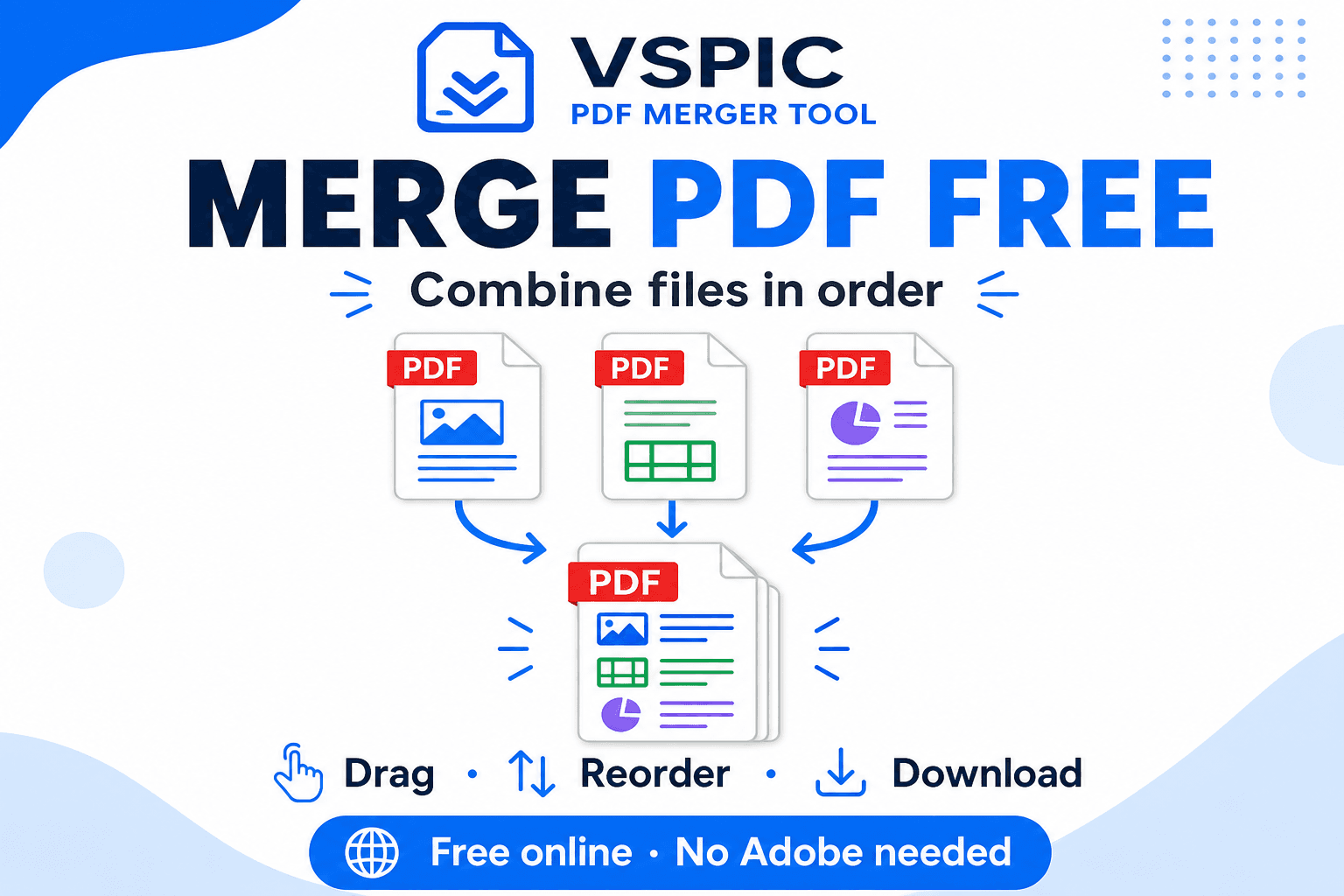
VSPIC's Merge PDF tool combines documents in your browser. Upload multiple PDFs, drag them into order, and download a unified file. No Adobe license, no server queue that keeps copies of your contracts indefinitely.
What is merging PDF files?
Merging PDFs concatenates pages from two or more PDF documents into a single file. Unlike zipping folders, a merged PDF opens as one continuous document in Acrobat, Preview, Chrome, and mobile viewers — ideal for printing and formal submission portals with one upload field.
When you merge pdf files online free, the operation can run entirely client-side: the browser reads each PDF, copies page objects into a new container, and offers a download. VSPIC uses this approach so HR packets and legal exhibits are not stored on a third-party conversion farm.
Merge is not the same as bind or OCR. Bookmarks from source files may or may not survive depending on viewer and how PDFs were authored. Hyperlinks inside a single source usually persist. If you rely on a table of contents with deep links, test the merged output before filing.
Why use VSPIC to merge PDFs?
Single upload fields on government portals
Visa and licensing sites often expose one PDF input. Applicants merge passport copy, bank statement, and invitation letter locally, then upload once instead of gambling on whether the portal accepts ZIP archives.
Client deliverable packaging
Consultants send proposals with terms, case studies, and pricing appendices. One merged PDF feels deliberate; five attachments feel like the sender ran out of time. Order communicates narrative — executive summary first, details after.
Print shop and court filing workflows
Courts and copy centers want continuous page numbering. Merging exhibits before filing reduces clerk rejections for mislabeled separate files. Always verify local filing rules — some courts demand bookmarks or separate indexing.
Combine scans with digital exports
Teams mix Word-to-PDF exports with phone scans of signed pages. Merge PDF unifies them after each piece exists, replacing print-sign-scan-merge cycles that lose resolution.
Privacy-preserving local merge
Payroll summaries and medical authorizations should not sit on anonymous cloud queues. Browser merge on VSPIC keeps bytes on your machine during the join operation.
How to merge PDFs on VSPIC
Collect every PDF in final form before merging — rotate sideways scans with VSPIC Rotate PDF first, compress huge exhibits if email size matters, and unlock password files only when you are authorized. Merging twice does not harm quality, but it wastes time; get order right on the first pass using a checklist.
- Open vspic.com/merge-pdf and upload every PDF you need in the packet.
- Drag files or page thumbnails into the correct sequence — contracts before exhibits, signatures last.
- Preview total page count if the tool shows it; confirm you did not drop a duplicate or blank export.
- Click merge and download the combined PDF. Run through Compress PDF if email size limits apply.
Join documents in your browser — free and local.
Merge PDFs nowReal-life use cases
Job application packets
Applicants merge resume, cover letter, and portfolio PDF into one upload for ATS systems that choke on multiple files. Page order puts the cover letter first — recruiters see intent before scrolling to experience.
Real estate disclosure bundles
Agents combine inspection reports, title summaries, and HOA rules for buyers. One merged PDF travels through email and e-signature platforms without recipients missing an attachment in thread chaos.
Academic thesis submission
Graduate students export chapters separately from LaTeX or Word, then merge front matter, chapters, and bibliography for library deposit systems demanding a single PDF.
Monthly invoice archives
Bookkeepers merge thirty vendor invoices into one monthly archive PDF for auditors who prefer scrolling one file instead of opening dozens from a folder.
Onboarding paperwork for new hires
HR merges policy acknowledgments, tax forms, and benefits summaries into an onboarding packet employees download once on day one.
Advantages of VSPIC PDF merge
Merge is the glue between single-purpose PDF tools. You might image-to-PDF phone scans, rotate a sideways exhibit, compress the packet, protect with a password, and email — all on VSPIC without learning five different SaaS dashboards or wondering which vendor still holds your files.
- Drag-and-drop reordering without re-exporting from Word.
- Local processing suitable for confidential HR and legal PDFs.
- No per-document credit system — merge as often as projects require.
- Pairs with Split PDF when you need the inverse operation later.
- Free output without watermark on merged business documents.
Immigration and job application packet example
A typical visa packet might order: application form PDF, passport bio page image-to-PDF, bank statement export, invitation letter, travel itinerary. Each piece originates differently — Word export, phone photo, bank portal download — but the embassy sees one ordered PDF. Merge after each piece is individually rotated and compressed.
Job seekers merge cover letter PDF from Google Docs, resume PDF from LaTeX, and portfolio PDF from Behance export. ATS systems that accept one file reward merge discipline; those that want separate uploads should not merge — read instructions every time.
Common problems and fixes
Password-protected PDFs cannot merge until unlocked. Use VSPIC Unlock PDF only on files you are authorized to decrypt — merging encrypted inputs fails by design to protect owners.
Bloated output happens when source PDFs embed huge scanned images. Compress individual scans with Compress PDF or re-export scans at lower DPI before merging.
- Wrong page order: use thumbnail drag-sort before final merge.
- Missing pages: confirm each source PDF opens fully in a viewer first.
- Blank pages from exports: delete trailing blanks in Split PDF before merging.
- Font issues rare in merge: vector PDFs merge cleanly; problems usually pre-exist in sources.
Expert tips for merging PDFs
Merge is the last assembly step, not the first cleanup step. Rotated, compressed, and correctly exported sources make merge boring — which is what you want the night before a deadline. Rushing merge with broken inputs multiplies review time tomorrow.
- Name source files with numeric prefixes — 01-cover.pdf — before upload if drag-sort is tedious.
- Merge before adding page numbers with VSPIC Add Page Numbers so numbering runs continuously.
- Bookmark long merged files in Acrobat Reader after download for executive summaries.
- Keep an unmerged archive if you might swap exhibits later without rebuilding from scratch.
- Compress after merge when email is the delivery channel, not before, to avoid double lossy steps on scans.
- Verify total page count against a checklist for court and immigration packets.
- Confirm each source PDF opens without errors before merge — corrupted inputs corrupt output.
- Use descriptive exhibit labels in filenames matching your cover letter index.
- Avoid merging password-protected files until unlocked and re-saved.
- Send password for protected merged packets on a second channel.
Ordering logic for professional packets
Recruiters expect cover letter before resume before portfolio. Courts expect indexes before exhibits though local rules vary. Lenders expect application summary before tax returns before bank statements. Write the intended order on paper before dragging files — numbering source PDFs 01-, 02-, 03- prevents midnight mistakes.
When one source PDF contains accidental blank pages from Word exports, open it in a viewer, note page numbers, and use Split PDF to drop blanks before merge. Blank pages annoy reviewers and inflate compressed size.
Mixed portrait and landscape pages are valid in one PDF but annoy readers who print. Standardize orientation when possible using Rotate PDF on individual sources. For slide decks exported landscape, keep them in a separate PDF if your cover letter is portrait letter size.
Version control and duplicates
Teams sometimes merge v2 and v1 of the same contract by accident. Hash filenames or use clear version suffixes in titles before upload. After merge, spot-check page count against the sum of parts — off-by-two usually means a duplicate exhibit slipped in.
VSPIC vs alternatives
Desktop Acrobat offers batch merge and bookmarks; cloud tools upload confidential files. VSPIC targets quick, free, local merges for everyday professional packets.
| Option | Best for | Trade-off |
|---|---|---|
| VSPIC Merge PDF | Browser merge without upload | Very large PDF sets may stress RAM |
| Adobe Acrobat Pro | Bookmarks, batch, OCR | Subscription pricing |
| PDFtk / command line | Server automation | Not approachable for HR staff |
| macOS Preview | Two-file drag merge on Mac | Limited reorder for many files |
| Email thread of attachments | Nothing professional | Recipients open out of order |
Is it safe to merge PDFs on VSPIC?
Merging on VSPIC runs in your browser, so contracts and payroll PDFs are not sent to a remote merge service. Use encrypted disks on laptops carrying merged HR files and clear browser downloads on shared kiosks.
Merging does not remove hidden metadata or redacted content lurking in source files — sanitize sensitive PDFs before sharing. Add password protection with VSPIC Protect PDF when emailing confidential packets.
Conclusion
One well-ordered PDF beats a scattered attachment thread. VSPIC's free Merge PDF tool joins documents locally, respects your sequence, and hands off to compress, protect, and split utilities for the rest of your workflow.
Line up files deliberately, verify page counts, compress for email. Bookmark merge for the next application deadline or client send-off.
Name merged downloads descriptively — Smith_Jane_Application_2026-06.pdf — so recipients search inboxes successfully and you find the right version later.
Final QA before you send
Scroll every page of the merged PDF at least once — merged files hide a blank page in the middle more often than people admit. Confirm page numbers on forms still align with instructions after merge; some government PDFs reference 'page 4 of application' and break when you insert a cover letter ahead of the form.
Send a test email to yourself on the same network recipients use. Corporate filters sometimes strip attachments over limits even after compression. If the test passes, forward the same file to the client rather than re-saving, which could change bytes.
- Match filename to email subject for searchability.
- Note total page count in the email body.
- Attach cover letter password separately when using Protect PDF.
- Keep unmerged sources until the recipient confirms delivery.
Common questions, direct answers
How many PDFs can I merge at once?
Browser memory is the limit. Typical business packets of five to twenty PDFs work on desktop Chrome; split enormous archives if the tab slows.
Can I reorder pages after merging?
Set order before merge with drag-and-drop. To change later, split the output with VSPIC Split PDF and merge again in the new sequence.
Does merge reduce quality?
Proper merge copies page content without recompressing images. Quality loss appears only if you later run aggressive compression.
Are password-protected PDFs supported?
Encrypted inputs must be unlocked first with authorization. Use VSPIC Unlock PDF only when you have the legal right to access the file.
Is merging free on VSPIC?
Yes. Merge PDF is part of the free toolkit without watermarking merged outputs.
Do files upload to VSPIC servers?
Merge is designed to run locally in your browser, keeping documents on your device instead of a cloud retention bucket.
Can I merge PDFs on mobile?
Modern phones can merge small packets; large files are easier on desktop with more RAM and easier drag-sort UI.
Will hyperlinks survive merge?
Internal links within a source PDF usually persist. Cross-document links may break depending on viewer — test after download.
How do I shrink the merged file?
Use VSPIC Compress PDF after merging. Pre-compress scanned exhibits if they dominate size.
Can I merge image-only PDFs from photos?
Yes. Image-based PDFs from VSPIC Image to PDF merge like any other PDF.
Commercial use?
Allowed for VSPIC-generated outputs. You remain responsible for content rights inside source PDFs.
Safe in our hands
VSPIC takes security seriously. Remember that…
- Free tools run in your browser when possible — your files and queries are not stored longer than needed to complete your request.
- No account is required. Use any tool immediately without sharing an email address.
- We use HTTPS on every page so data in transit is encrypted between your device and our servers.
- We only process what is needed to complete your request and do not sell your data or personal information.
Guides are written by the VSPIC Editorial Team under our editorial policy.
Open the free tool, use Merge PDF, and get results in seconds.
Try Merge PDF now