How to compress images online without losing quality
Easy steps to reduce image file size online for free
Large photos slow down websites, bounce back from email gateways, and get rejected by job portals with strict kilobyte caps. Compressing an image means reducing file size while keeping enough visual detail for the job — a product thumbnail, a résumé headshot, or a blog hero does not need the same megabytes as a RAW export from your camera.
VSPIC's Compress Image tool runs in your browser and processes files on your device. You pick a photo, adjust quality or target size, and download a lighter copy in seconds. No account, no desktop install, and your originals never leave your machine unless you choose to share them afterward.
What is image compression?
Image compression reduces how many bytes a picture takes on disk or over the network. Lossy formats like JPEG discard fine detail the eye barely notices; lossless formats like PNG keep every pixel but can still be optimized by stripping metadata and using smarter encoding. The goal is not making images ugly — it is matching file weight to where the image will appear.
When you compress image online free with a browser tool, encoding happens locally through Web APIs instead of uploading to a remote server farm. That matters for client work, medical-adjacent screenshots, and any file you would not casually email to a stranger. VSPIC focuses on practical output: files small enough to send, clear enough to read.
Understanding the difference between compression and resizing saves time. Compression lowers quality or optimizes encoding within the same pixel dimensions; resizing changes how many pixels exist. A 4000×3000 JPEG compressed to 200 KB is still a heavy image for a sidebar thumbnail — you likely need both resize and compress. VSPIC hosts both tools so you can chain operations in one session without exporting intermediate files to disk.
Why use VSPIC to compress images?
Meet strict upload limits without guesswork
Government forms, university portals, and marketplace listings often cap uploads at 50 KB, 100 KB, or 200 KB. Desktop editors make you trial-export repeatedly. VSPIC lets you set a quality level or work toward a target size so you stop playing whack-a-mole with rejection messages.
Speed up websites and landing pages
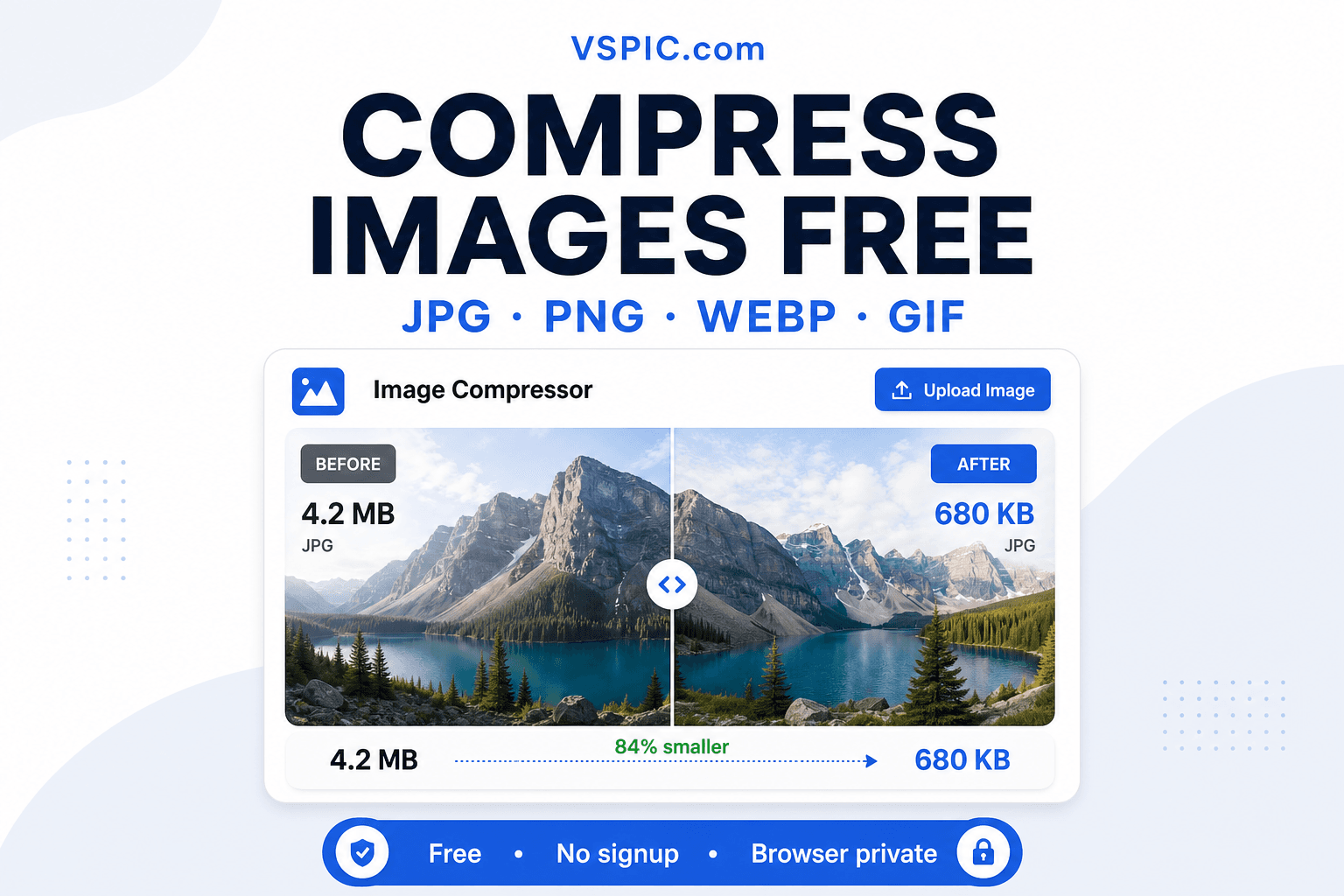
Unoptimized hero images are a common reason pages score poorly on Core Web Vitals. Compressing before you upload to WordPress, Shopify, or a static site generator cuts LCP time and saves CDN bandwidth. A 2.4 MB camera dump can become a 180 KB web-ready JPEG without visible banding on a laptop screen.
Keep photos in your browser, not on a server
Many free compressors upload your files to process them in the cloud. VSPIC handles compression client-side for supported workflows, which reduces exposure when you are working with unreleased products, signed contracts photographed on a phone, or family photos you simply prefer to keep private.
Support modern formats out of the box
Phones shoot HEIC; design tools export WebP; scanners deliver chunky PNGs. A single compressor that accepts common inputs saves you from installing format converters. You can normalize to JPG for maximum compatibility or stay on PNG when you need crisp text and flat graphics.
No subscription or watermark on output
VSPIC is built as a free utility site. Compressed downloads are yours to use in client deliverables, ecommerce listings, and newsletters — no watermark stamped across the corner, no export limit that nags you to upgrade mid-project.
How to compress an image on VSPIC
The workflow below takes under two minutes for a typical phone photo. Keep the original file untouched in your camera roll or project folder so you can re-export if the first pass is too aggressive. If your portal publishes both a kilobyte cap and a maximum width, run Resize Image first, then return here for compression.
- Open the Compress Image tool at vspic.com/compress-image. The page loads the encoder in your browser — no login prompt.
- Drag and drop your file or use the file picker. Supported types include JPG, PNG, WebP, HEIC, and other common photo formats shown on the tool page.
- Adjust the quality slider or compression preset. Watch the preview and estimated size; lower quality shrinks bytes faster but can soften fine text and hair detail.
- Click download when the balance looks right. Keep your original archived separately if you might need a high-resolution master later.
Try the free compressor — processing stays in your browser.
Compress an image nowReal-life use cases
Job applications and online forms
Applicant tracking systems reject oversized headshots. A 3 MB portrait from a studio shoot can fail silently or throw a vague error. Compressing to the portal's stated limit — often 200 KB or less — while keeping face detail readable gets your application through without hiring a retoucher. Crop tight to shoulders first if the portal also specifies aspect ratio — wasted background pixels consume your quality budget.
Ecommerce product photography
Marketplaces recommend specific dimensions and file weights for faster gallery loading. Batch-compress product angles before uploading to Etsy, Amazon, or your own storefront so mobile shoppers on LTE see images load instantly instead of staring at gray placeholders.
Blog posts and documentation
Technical writers paste screenshots into Notion, Confluence, and GitHub README files. PNG screenshots compress well when you reduce colors and metadata; JPEG works for photo-heavy tutorials. Smaller assets keep repo clones and page exports manageable.
Email newsletters and attachments
Corporate SMTP gateways block messages when total attachment size exceeds 10–25 MB. Compressing event photos before sending a company update prevents bounces and keeps inboxes happier on mobile devices with limited storage.
Social media and ad creatives
Platforms re-encode uploads anyway, but starting with a reasonable source prevents double-compression artifacts. Export a compressed master at the platform's recommended dimensions so text overlays stay sharp after Instagram or LinkedIn processes the file. Social managers often keep a spreadsheet of per-network pixel and KB targets next to this workflow.
Real estate and rental listings
Property managers upload dozens of interior photos per listing. MLS systems and Craigslist throttle large attachments. Batch-compressing room angles to a consistent quality preset keeps galleries uniform while staying under per-listing storage quotas agents pay for on premium tiers.
Advantages of browser-based compression
Browser tools win when the task is episodic — a form due tonight, a blog post publishing tomorrow — not when you are building a DAM pipeline for a fashion brand. VSPIC optimizes for that middle ground: professionals and students who need trustworthy output once or twice a week without learning batch actions in desktop editors.
- Instant access from any OS — Windows, macOS, Linux, ChromeOS — without installing GIMP or Photoshop.
- Local processing keeps sensitive screenshots and unreleased creative off third-party servers.
- Visual feedback while tuning quality helps you learn what 'too compressed' looks like for your content type.
- Pairs naturally with VSPIC Resize and Convert tools when you need dimension changes or format shifts in the same session.
- Free forever for typical personal and commercial use cases described on vspic.com.
- No export credits or daily quotas that interrupt deadline work.
- Works on managed laptops where IT blocks unsigned desktop installs.
Common problems and fixes
Blurry text after compression usually means quality was set too low for a screenshot or document scan. Raise quality slightly or switch to PNG for UI captures with flat color. Banding in skies and gradients is a JPEG limitation — increase quality or use a wider color source before compressing.
Files that barely shrink often contain already-optimized JPEG data or unnecessary metadata. Strip EXIF when you do not need GPS or camera fields. If the image is huge in pixel dimensions, combine compression with resizing — megapixels matter as much as quality sliders.
Color banding in gradients is a JPEG limitation, not necessarily a VSPIC bug. Raise quality five to ten points or switch to PNG for graphics with smooth gradients. Screenshots with small text need higher quality than landscape photos because compression artifacts destroy legibility faster than they destroy sky texture.
- Upload rejected: check the tool's max file size and try closing other heavy browser tabs.
- Wrong format: convert HEIC or WebP first if an older system only accepts JPG.
- Colors look dull: ensure you are not compressing a screenshot that was in a narrow color profile.
- Still over the KB cap: resize dimensions before compressing again.
Expert tips for better results
- Archive the uncompressed original before experimenting — you cannot recover discarded JPEG detail.
- For portraits, prioritize face sharpness over background file size; crop distractions first.
- Use PNG for graphics with text; use JPEG for natural photos with many colors.
- Test on the device your audience uses — a compressed file that looks fine on a desktop monitor may show artifacts on a phone.
- When a portal specifies both dimensions and KB, resize first, then compress to avoid over-softening.
- Batch similar images with the same quality setting so a gallery looks consistent.
Understanding quality settings and formats
JPEG quality is not linear. Dropping from 90 to 80 might shave only fifteen percent off file size, while dropping from 50 to 40 can halve bytes but introduce visible blockiness in skies and skin. The useful approach is stepping down in five-point increments until you either hit your kilobyte target or notice artifacts on a phone screen — that is usually the threshold your audience will see.
PNG compression is lossless for pixels but can still shrink when tools strip metadata and use efficient deflate encoding. PNG is wrong for multi-megabyte camera JPEGs you accidentally saved as PNG — convert to JPEG first. WebP offers excellent lossy compression; converting WebP to optimized JPEG via VSPIC Convert to JPG can help when a legacy portal rejects WebP uploads entirely.
HEIC from iPhones stores efficient lossy data that Windows apps older than Windows 11 may not open. Compressing after converting HEIC to JPG is a common Windows workflow for job seekers and students. Always verify the portal accepts JPEG before compressing a HEIC original in-place.
When not to compress
Do not re-compress JPEGs that will undergo another JPEG save in a print shop RIP — stack lossy passes. Do not compress master archives you might print large later. Do not compress evidence photos for legal proceedings without attorney guidance; lossy changes can become a chain-of-custody discussion even when visuals look similar.
VSPIC vs alternatives
Desktop editors offer maximum control but require installs and manual export dialogs. Cloud compressors are convenient yet upload your files. VSPIC targets the middle ground: quick, free, and local.
| Option | Best for | Trade-off |
|---|---|---|
| VSPIC Compress Image | Fast browser compression without upload | Very large files may stress mobile browsers |
| Photoshop / GIMP | Pixel-level edits and batch actions | Learning curve and licensing cost |
| Cloud SaaS compressors | Hands-off automation APIs | Files leave your device; privacy policies vary |
| CMS built-in optimizers | Sites already on WordPress or Shopify | Only helps after upload, not before |
| Command-line tools (jpegoptim) | CI pipelines and developers | Not friendly for one-off form uploads |
Is it safe to compress images on VSPIC?
For standard image compression, VSPIC processes files in your browser rather than storing them on a server for encoding. That dramatically reduces the risk of a data breach involving your uploads. You should still follow basic hygiene: compress on a trusted device, avoid public lab computers for confidential scans, and clear downloads when finished on shared machines.
Read the privacy policy at vspic.com for details on analytics and hosting. VSPIC does not ask for payment card data to use the compressor. If an image is extremely sensitive, air-gapped desktop tools remain the gold standard — but for everyday business and personal photos, local browser compression is a sensible balance of convenience and control.
Clear your browser downloads folder on shared family computers after working with HR headshots or medical bills. Compression does not anonymize faces — pair with Blur Face when publishing crowd photos. For client agencies under NDA, document in your security policy that browser-local tools are approved when cloud upload is prohibited.
Conclusion
Compressing images is a small step that prevents big headaches — rejected forms, slow pages, and bloated inboxes. VSPIC gives you a free, browser-based way to shrink JPG, PNG, WebP, and HEIC files with immediate preview and download. Pair compression with resize or format conversion when portals demand specific dimensions and weights.
Bookmark the Compress Image tool for the next time a upload limit blocks your progress. Two minutes of tuning quality beats thirty minutes fighting a government website error message.
Build a personal preset note — quality 82 for headshots, 75 for product grids, PNG for UI — and keep it in your notes app. Consistency across a quarter of listings matters as much as any single perfect export.
If you manage a WordPress site, compress before upload so your CDN bills and backup sizes stay predictable. Plugins that optimize on the server help, but they cannot fix a 6 MB hero image that already slowed the editor preview.
Measure results with real metrics: compare Lighthouse LCP before and after compressing heroes. A few hundred kilobytes off the largest contentful paint image often moves scores more than micro-optimizing CSS.
Common questions, direct answers
Does VSPIC upload my photos to compress them?
Image compression on VSPIC is designed to run in your browser using client-side processing. Your file is not sent to a remote encoder for the standard compress workflow, which keeps personal and client images on your device during editing.
Which formats can I compress?
The tool supports common web and camera formats including JPEG, PNG, WebP, and HEIC where browser decoding allows. Check the on-page accept list for the latest extensions; convert rare formats with VSPIC Convert to JPG if needed.
Will compression ruin image quality?
Lossy compression always removes some information, but at moderate quality settings the change is invisible on most screens. Artifacts appear when you push quality too low or compress the same JPEG repeatedly. Keep an original and adjust gradually.
How small can I make a file for a 50 KB upload limit?
Hitting 50 KB often requires both resizing dimensions and lowering JPEG quality. Use VSPIC Resize to reduce pixel count, then compress. Extreme limits may soften fine detail — acceptable for ID uploads, less ideal for portfolio work.
Is there a file size limit?
Browser memory sets practical limits. Multi-megapixel photos usually work; gigapixel composites may fail on low-RAM devices. Close unused tabs and try a desktop browser if mobile Safari struggles.
Can I use compressed images commercially?
Yes. VSPIC does not watermark outputs. You are responsible for honoring copyrights in the source material — compression does not change licensing of the underlying photo.
PNG or JPEG — which compresses smaller?
Photos with millions of colors are usually smaller as JPEG. Screenshots, logos, and flat graphics are often smaller as optimized PNG. Pick format based on content, not habit.
Does compression remove EXIF metadata?
Re-encoding often strips camera metadata depending on export settings. If you need GPS or lens data, keep a master copy. Use VSPIC metadata tools separately when you want explicit EXIF removal before publishing.
Why is my compressed file still large?
The source may already be optimized, or dimensions may be very high. Resize first, then compress. PNG screenshots with full desktop resolution stay large until you downscale.
Can I compress multiple images at once?
The core tool focuses on single-file clarity and preview. For batches, process sequentially or combine with Image to PDF when you need one document from many photos.
Can I compress HEIC photos from an iPhone?
Yes where your browser can decode HEIC. If upload fails, convert to JPG first with VSPIC Convert to JPG, then compress.
How does VSPIC compare to TinyPNG?
TinyPNG is a popular cloud service that uploads images for optimization. VSPIC emphasizes local browser processing and ties into a broader free toolkit (resize, PDF, background removal) without a paid tier for basic compression.
Safe in our hands
VSPIC takes security seriously. Remember that…
- Free tools run in your browser when possible — your files and queries are not stored longer than needed to complete your request.
- No account is required. Use any tool immediately without sharing an email address.
- We use HTTPS on every page so data in transit is encrypted between your device and our servers.
- We only process what is needed to complete your request and do not sell your data or personal information.
Guides are written by the VSPIC Editorial Team under our editorial policy.
Open the free tool, use Compress Image, and get results in seconds.
Try Compress Image now