How to compress a large PDF file
Easy steps to reduce PDF file size online for free
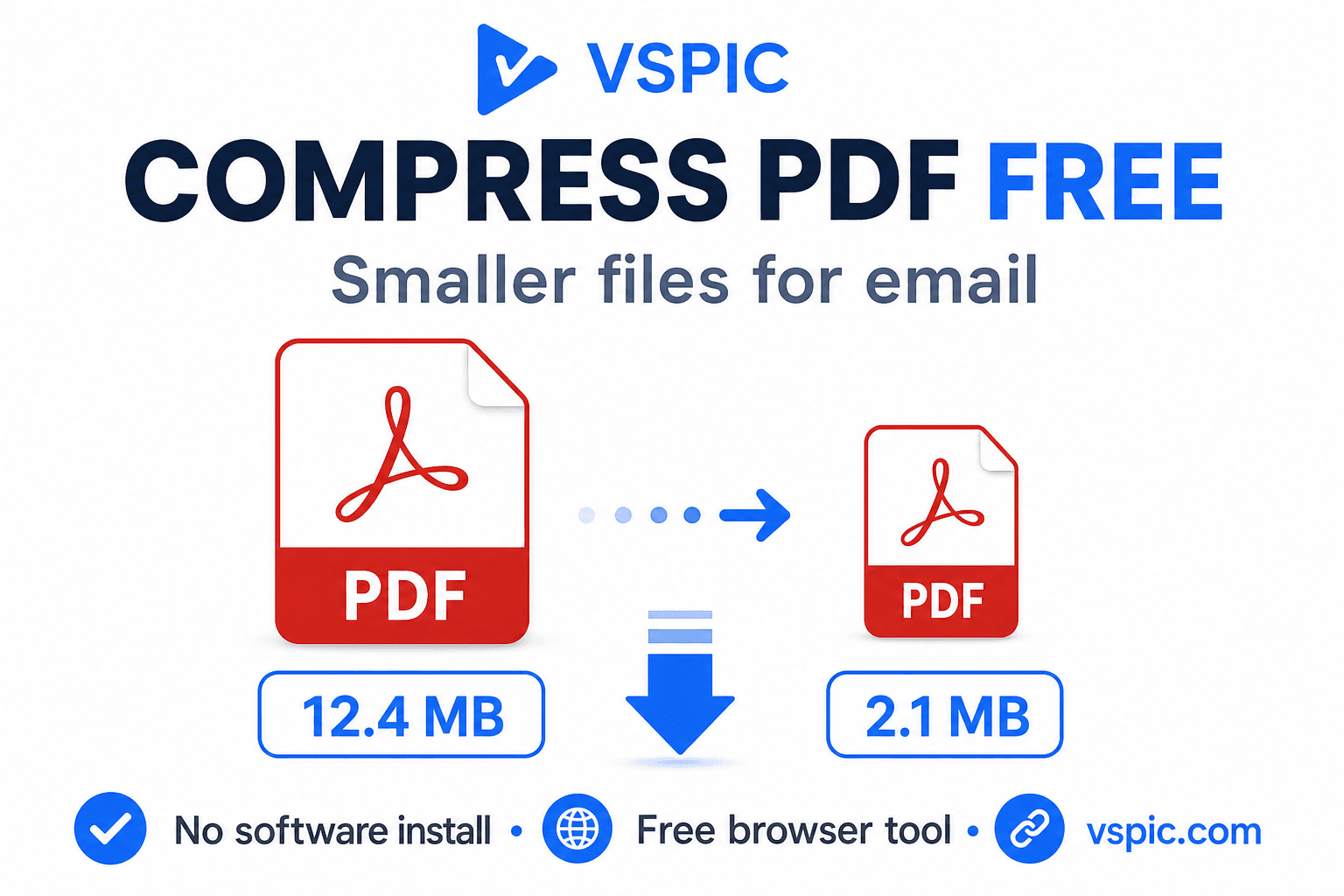
A single scanned contract can balloon past 25 MB — too heavy for many email gateways and university submission boxes. PDF compression re-encodes images inside the document, removes redundant objects, and sometimes downsamples high-DPI scans so the file still reads clearly on a laptop screen but fits attachment policies.
VSPIC's Compress PDF tool works in your browser. Upload an oversized PDF, choose a compression level, and download a lighter copy. No paid Acrobat optimization wizard, no waiting in a cloud queue that retains your payroll export.
What is PDF compression?
PDF compression targets bytes inside a Portable Document Format file — embedded JPEG and TIFF scans, duplicate fonts, uncompressed streams — without necessarily changing page count or layout. Lossy compression lowers image quality inside the PDF; lossless steps remove unused metadata and compress streams without touching visual fidelity.
When you compress pdf online free, the tool analyzes each page's resources and applies sensible defaults for email and web upload. VSPIC balances readability and size: text-heavy digital PDFs shrink modestly, while phone photo scans often shed 70–90% of weight when re-encoded at screen-appropriate resolution.
Compression is destructive for embedded images inside PDFs. Vector text and line art usually survive well; photographed pages lose fidelity when pushed too hard. Keep an uncompressed archival copy when the document might return to court, audit, or print production later.
Why use VSPIC to compress PDFs?
Pass corporate email attachment limits
Exchange and Gmail enforce megabyte caps. Compressing a board deck or site photo report before sending prevents bounce-backs and 'request large attachment link' delays when recipients need the file inline.
Upload to slow government and school portals
Applicants on rural connections timeout when uploading 30 MB scans. A compressed 3 MB packet uploads before session expiry — the difference between submitted and missed deadline.
Save mobile data for field teams
Construction foremen and auditors email daily photo PDF logs from job sites. Smaller files sync faster over LTE and cost less on metered hotspots.
Keep processing local and private
Financial statements and medical records should not sit on anonymous cloud optimizer databases. Browser compression on VSPIC keeps the document on your device during processing.
Free alternative to Acrobat Pro optimization
Occasional users cannot justify subscriptions for monthly invoice batches. VSPIC covers episodic compression with the same site hosting merge, split, and protect utilities.
How to compress a PDF on VSPIC
Open the PDF locally first to confirm it is not password-locked and that all pages render. Note the starting megabyte size so you can judge whether compression achieved your email target. If one exhibit dominates size, split it, compress separately, and merge again.
- Go to vspic.com/compress-pdf and upload the PDF that exceeds your size limit.
- Select compression strength if the tool offers presets — stronger means smaller bytes, softer photos.
- Review the estimated output size or download and open the result to confirm text remains crisp.
- Replace the attachment in your email client or re-upload to the portal. Keep the original uncompressed archive if litigation might require maximum fidelity later.
Shrink documents in your browser — free.
Compress a PDF nowReal-life use cases
Scanned signed contracts
Law offices scan at 600 DPI for archival but email at 150 DPI equivalents. Compressing client-facing copies preserves legible signatures without transmitting full print-shop weight.
Slide decks exported to PDF
PowerPoint PDF exports embed full-resolution textures. Sales teams compress decks before sending prospects on mobile mail clients that prefetch attachments.
Architectural plan sets
Plan PDFs mix vector lines and raster overlays. Compression targets heavy image layers while leaving line art readable — verify fine dimensions on screen before approving construction submittals.
Insurance claim documentation
Homeowners merge photo evidence into PDF packets. Compress before insurer upload portals that cap file size at 5–10 MB per submission.
Open-course and syllabus distribution
Professors distribute reading packets as PDF. Students on commuter trains download faster when scans are compressed without illegible footnotes.
Advantages of VSPIC PDF compression
IT help desks see bounced email tickets weekly because someone attached a 35 MB scan. A compress link in the bookmarks bar resolves the ticket in minutes instead of scheduling a screen-share to teach Print to PDF. That is the practical ROI of a free browser compressor.
- Rapid size reduction for scan-heavy PDFs without desktop software.
- Local browser processing for HR, legal, and medical documents.
- Works alongside Merge and Split when packets need restructuring first.
- No per-file credit card charges for routine compression.
- Outputs lack VSPIC watermarks on typical business PDFs.
Help desk and email attachment workflow
When email bounces with 'message too large,' compress the PDF before asking the sender to use a file-sharing link — many recipients cannot access external links on corporate networks. Target twenty percent under the stated cap to account for encoding overhead and signature images in the thread.
Professors distributing reading PDFs compress screen-optimized copies for students while keeping print-resolution masters on course drives. Students on commuter trains thank you when weekly packets drop from forty megabytes to four.
- Check original size in file properties.
- Compress with moderate preset first.
- Open on phone to verify footnotes.
- Re-compress only if still over cap — avoid double aggressive passes.
Common problems and fixes
Grainy photos after aggressive compression mean you chose too strong a preset for evidence documentation. Step down one level or compress only the email copy while archiving the original.
Minimal size change on text-only digital PDFs is normal — there are few images to re-encode. Such files are already efficient; compression cannot invent magic on vector text exports.
- Password PDFs: unlock with authorization before compressing.
- Corrupted input: re-export from source application if viewer shows errors.
- Still too large: split into volumes with Split PDF or lower scan DPI at capture time.
- Color charts unreadable: compress a screen-optimized copy, keep print master separate.
Expert tips for PDF compression
Compression presets are not morality judgments — they are delivery channels. Email presets can be aggressive; archival presets should be conservative. Write that distinction in your team wiki so interns do not compress the only signed original because the help desk article said 'use strong compression.'
- Scan documents at 200–300 DPI for email workflows — 600 DPI is overkill for screen review.
- Convert color scans to grayscale when color adds no legal meaning — huge byte savings.
- Merge related PDFs before compressing so shared resources optimize once.
- Test compressed files on the phone screen your audience actually uses.
- For print-bound PDFs, skip lossy compression — deliver a separate screen-friendly export.
- Combine with Protect PDF after compressing when emailing confidential financials.
- Note starting and ending megabytes in ticket comments for repeat training.
- Split chapters instead of crushing one 200 MB thesis when portals cap per file.
- Reject compression that makes signatures illegible — rescan source instead.
- Reopen compressed PDF in two viewers — Chrome and Acrobat — before external send.
What actually makes PDFs huge
Full-page 600 DPI scans embedded as TIFF or high-quality JPEG inside PDF are the usual culprits. Slide decks with full-bleed stock photos exported from PowerPoint carry the same bloat. Digitally born reports from Google Docs are usually lean unless someone pasted massive PNG screenshots into the document before PDF export.
Fonts rarely dominate size unless someone embedded entire type families. Duplicate images across pages — the same logo on every slide — can sometimes be optimized when compression rewrites resources globally. Extremely long merged packets benefit from per-chapter compression before final merge.
Email gateways measure total MIME size, not just PDF bytes. A 9 MB PDF might pass a 10 MB limit while the same file fails after base64 encoding in some systems — aim for 20–25 percent headroom under the published cap.
Presets and when to stop compressing
If compressing twice in a row barely changes megabytes, you have hit the floor for that source material. Further attempts soft photos without meaningful email savings. Split volumes or remove redundant exhibits instead.
VSPIC vs alternatives
Acrobat's Reduce File Size wizard is mature but paid. Online optimizers often upload sensitive PDFs. VSPIC offers free local compression tied into a broader PDF toolkit.
| Option | Best for | Trade-off |
|---|---|---|
| VSPIC Compress PDF | Browser shrink for email limits | Extreme presets soften photo evidence |
| Adobe Acrobat Pro | Preflight and print production | Subscription |
| Ghostscript CLI | Server pipelines | Requires technical setup |
| ZIP attachment | Multiple files | Many portals forbid ZIP; not inline viewable |
| Re-scan at lower DPI | Prevention at capture | Time-consuming if already scanned |
Is it safe to compress PDFs on VSPIC?
Compressing on VSPIC processes documents in your browser, avoiding third-party cloud retention of payroll, medical, or legal PDFs. Work on trusted hardware, encrypt laptops storing compressed copies, and use Protect PDF when emailing sensitive results.
Compression does not redact hidden text or metadata layers — remove secrets before sharing. Review vspic.com privacy policy for analytics; compression itself requires no payment.
Conclusion
Oversized PDFs block email, slow uploads, and frustrate mobile readers. VSPIC's free Compress PDF tool shrinks scan-heavy documents locally so you hit limits without sacrificing readable text.
Pick sensible compression strength, keep archival masters separate, and chain merge or split when the packet structure also needs work. Bookmark the compressor for the next bounced attachment.
Log compression results in support tickets — 'reduced 28 MB to 3.1 MB, legible at 150% zoom' — so repeat senders learn to compress before hitting send.
Document retention after compression
Legal and finance teams should store both uncompressed archives and compressed email copies with clear labels. Auditors may request originals years later; a heavily compressed scan of a signature page might be insufficient for forensic comparison even when it was fine for casual approval.
Mark compressed files in the filename — Contract_ACME_email.pdf vs Contract_ACME_archive.pdf — so nobody accidentally destroys the only high-resolution version during a cleanup sprint.
- Never compress the sole copy of signed originals.
- Note compression preset in internal wiki for repeatability.
- Revisit compression policy when regulations change.
- Split oversized archives instead of over-compressing one file.
Common questions, direct answers
How much smaller will my PDF get?
Scan-heavy PDFs often shrink dramatically. Text-native exports from Word or InDesign may change little because they already lack huge embedded images.
Does compression affect text clarity?
Digital text usually stays sharp. Compression primarily re-encodes embedded images. Extreme presets can blur photos and scanned handwriting.
Is VSPIC PDF compression free?
Yes for standard browser-based use on vspic.com without watermarking outputs.
Are PDFs uploaded to a server?
VSPIC emphasizes client-side compression so files stay on your device during processing, unlike many cloud optimizers.
Can I compress password-protected PDFs?
Remove protection first with VSPIC Unlock PDF when you are legally allowed to access the document, then compress.
Will compression remove digital signatures?
Re-encoding can invalidate signature fields. Use uncompressed originals for legally signed filings; compress secondary copies for email convenience.
Maximum file size?
Browser memory sets limits. Very large plan sets may require desktop tools with more RAM — try closing other tabs first.
Can I batch compress many PDFs?
The tool focuses on single-file clarity. Process invoices sequentially or script with server tools if you need automation at scale.
Compress before or after merge?
Compress individual scans before merge when each is huge; compress once after merge when the packet is moderately sized already.
Commercial use allowed?
Yes for outputs produced by VSPIC. You remain responsible for content inside the PDF.
Why is my PDF still over 10 MB?
Sources may embed print-resolution images throughout. Increase compression strength, grayscale scans, or split volumes with Split PDF.
VSPIC vs Smallpdf compress?
Smallpdf uploads documents to cloud infrastructure. VSPIC provides free browser-local compression integrated with merge, split, and protect on vspic.com.
Safe in our hands
VSPIC takes security seriously. Remember that…
- Free tools run in your browser when possible — your files and queries are not stored longer than needed to complete your request.
- No account is required. Use any tool immediately without sharing an email address.
- We use HTTPS on every page so data in transit is encrypted between your device and our servers.
- We only process what is needed to complete your request and do not sell your data or personal information.
Guides are written by the VSPIC Editorial Team under our editorial policy.
Open the free tool, use Compress PDF, and get results in seconds.
Try Compress PDF now