How to add a watermark to a PDF online
Stamp draft, confidential, or brand text across every page for free
A PDF leaves your inbox looking final — even when it is a rough draft, a client preview, or an internal report that should never be mistaken for an executed contract. Watermarks solve that ambiguity at a glance: diagonal CONFIDENTIAL text, a semi-transparent logo, or a subtle DRAFT banner tells every viewer how to treat the file before they read page one.
VSPIC Add Watermark to PDF is a free browser tool that applies text or image stamps across your document pages. Upload the PDF, configure the watermark content, position, and opacity, then download a branded copy. No Adobe Acrobat subscription, no command-line utilities, and no waiting for desktop software updates on a borrowed laptop.
This guide explains what PDF watermarking accomplishes, when to choose text versus logo stamps, how to run the VSPIC workflow step by step, and how to combine watermarks with password protection for layered document security.
What is VSPIC Add Watermark to PDF?
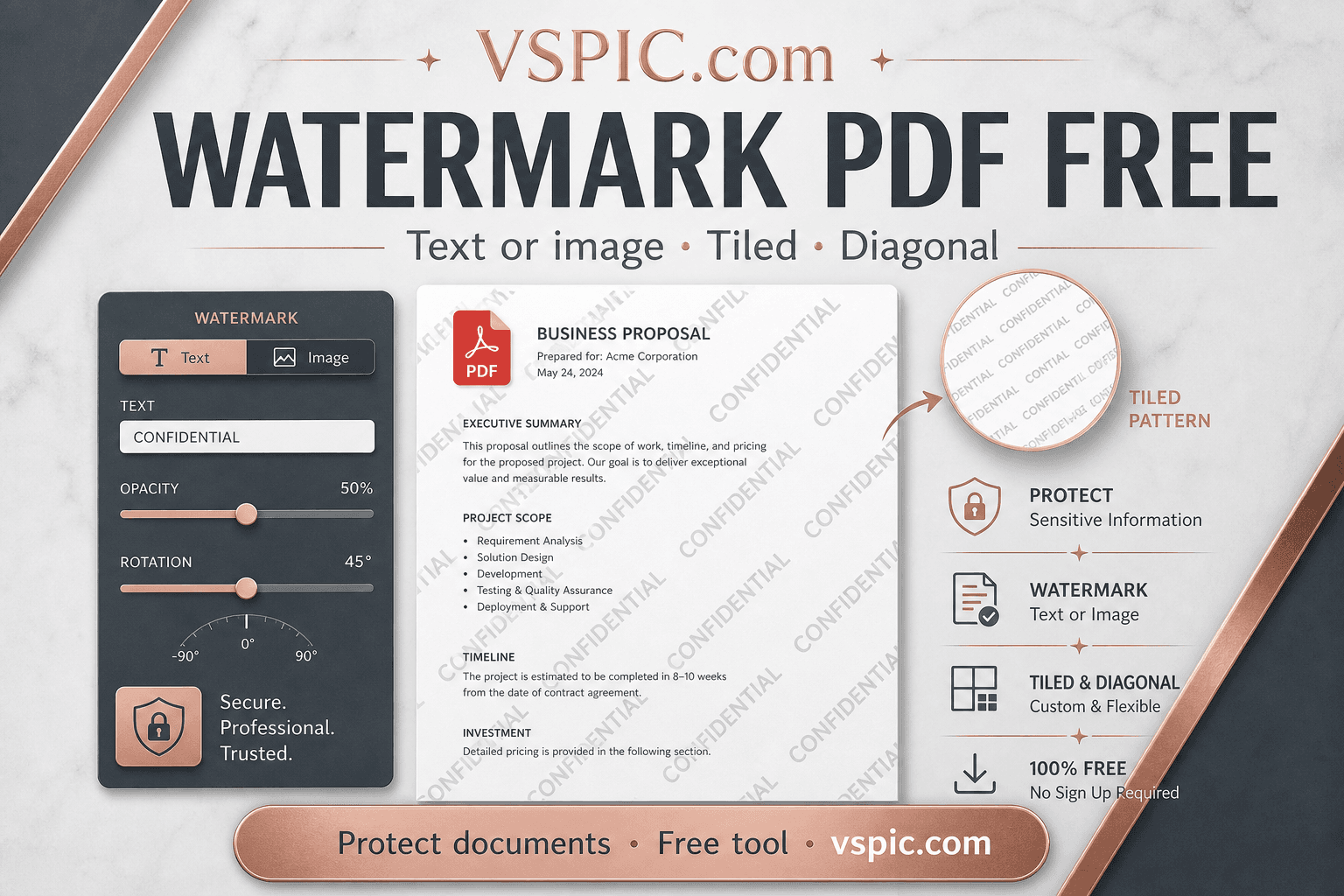
VSPIC Add Watermark to PDF is an online utility that overlays repeating text or image marks on each page of a PDF file. Watermarks typically appear semi-transparent and angled so they remain visible without completely obscuring underlying content — enough to discourage casual misuse while keeping contracts, slides, and proofs readable.
The tool lives in the PDF section of vspic.com alongside Merge PDF, Compress PDF, Protect PDF, and Rotate PDF. Processing is designed for quick document hygiene: lawyers marking discovery drafts, agencies sending concept decks, teachers distributing worksheet previews, and finance teams labeling unaudited statements.
Watermarking is a deterrent and labeling mechanism, not encryption. Anyone determined to remove a watermark can attempt editing in other software. For sensitive data, pair visible stamps with password protection via VSPIC Protect PDF and distribute files only through approved channels.
Why watermark PDF documents?
Digital files copy effortlessly — forwarded emails, Slack uploads, and screenshot tools multiply distribution faster than paper. A watermark communicates status and ownership at the visual layer so recipients understand constraints even if they never read the cover email.
- Draft labeling — prevent DRAFT decks from being quoted as final pricing.
- Confidentiality cues — CONFIDENTIAL and INTERNAL ONLY reduce careless resharing.
- Brand presence — logo stamps on preview PDFs reinforce agency identity before sign-off.
- Copyright notice — © statements on creative portfolios deter casual republication.
- Sample protection — photographers and illustrators watermark proof galleries.
- Compliance workflows — audit teams mark documents with review timestamps or case IDs.
How to add a watermark to a PDF on VSPIC
- Open vspic.com/add-watermark-pdf in your browser.
- Upload the PDF file you want to stamp.
- Choose text watermark or image watermark (logo PNG with transparency works best).
- Enter watermark text — e.g., CONFIDENTIAL, DRAFT, DO NOT DISTRIBUTE — or upload your logo file.
- Adjust opacity, size, rotation, and position using the on-screen controls.
- Preview how the stamp tiles or centers across pages if the tool offers page preview.
- Apply the watermark and download the output PDF.
- Optional: run Protect PDF to add a password before sending externally.
For multi-document bundles, watermark each PDF before merging with VSPIC Merge PDF so every page in the combined file carries the same label. If file size grows uncomfortably large after stamping high-resolution logos, follow with Compress PDF.
Use cases for PDF watermarks
Legal and consulting drafts
Attorneys send marked drafts to clients for review. A diagonal PRELIMINARY watermark signals the document is not executed and should not be filed with regulators. Consultants do the same for strategy memos that might leak competitive insights if mistaken for final recommendations.
Creative agency client previews
Design agencies export concept PDFs with agency logos at low opacity. If a prospect forwards the deck internally, the watermark advertises who produced the work and discourages unpaid reuse of layouts.
Education and training materials
Instructors watermark answer keys and licensed workbook excerpts so students recognize authorized copies. District IT appreciates browser tools that avoid installing desktop PDF suites on locked school machines.
Real estate and financial previews
Brochures and pro forma statements shared before closing often carry SAMPLE watermarks. The visual cue complements legal disclaimers in email footers when PDFs detach from their original context.
Advantages of VSPIC PDF watermarking
- No Acrobat license — stamp PDFs from any computer with a browser.
- Fast turnaround — seconds for typical report-length files.
- Text and image modes — flexible from legal labels to brand logos.
- Composable — chain merge, compress, rotate, and protect steps on VSPIC.
- Free — fits freelancers and small firms without document automation budgets.
- Consistent placement — repeat the same stamp geometry across every page automatically.
Troubleshooting PDF watermark issues
Watermark covers too much content
Lower opacity to fifteen or twenty percent for readability. Reduce font size or logo scale. Move position to margins or use a single centered mark instead of dense tiling on data-heavy pages.
Logo watermark looks boxy or has a white rectangle
Use PNG logos with transparent backgrounds. JPG logos include solid rectangles that show as ugly blocks at partial opacity. Prepare logos in your design tool before upload.
Output file size jumped significantly
High-resolution image watermarks embedded repeatedly can inflate PDFs. Simplify logo raster size, prefer vector text watermarks for long documents, then Compress PDF on VSPIC.
Some pages need different watermarks
Browser tools typically apply uniform stamps. Split PDF into sections with VSPIC Split PDF, watermark each segment differently, and Merge PDF back together if your workflow demands heterogeneous labels.
Tips for effective PDF watermarks
- Prefer concise text — CONFIDENTIAL reads faster than long legal paragraphs.
- Angle stamps diagonally — classic pattern resists naive cropping attempts.
- Keep opacity low on text-heavy contracts so clauses stay legible.
- Include date or version tokens in draft marks — DRAFT v3 2026-06-11.
- Password-protect highly sensitive PDFs after watermarking for defense in depth.
- Archive unwatermarked masters internally; distribute only stamped copies externally.
- Test print one page — some printers darken light watermarks unexpectedly.
PDF watermark approaches compared
| Approach | Visibility | Security level | Best for |
|---|---|---|---|
| VSPIC text watermark | High label clarity | Deterrent only | Draft and confidential labels |
| VSPIC image watermark | Brand presence | Deterrent only | Agency previews and portfolios |
| Protect PDF password | Invisible | Stronger access control | Sensitive contracts and PII |
| Digital rights management (DRM) | Varies | Enterprise-grade | Large publishers with budgets |
| Manual Word header/footer | Per-page inconsistency risk | Low | Quick one-offs before PDF export |
| Print-to-PDF with background | Hard to batch | Low | Single-page flyers only |
Safety, privacy, and limitations
Watermarking does not encrypt content. Recipients can still copy text, screenshot pages, or attempt removal in editing tools. Do not upload classified or regulated data to any web utility unless your organization approves it. When policy demands strict control, use sanctioned enterprise document systems.
Only watermark PDFs you are authorized to modify. Client contracts may prohibit altering branding without approval. Watermarks on signed documents can invalidate execution in some jurisdictions — reserve stamps for pre-signature drafts unless counsel advises otherwise.
- Pair visible stamps with password protection for external sharing.
- Use Secret Note for credentials; use watermarks for document status labeling.
- Verify recipient email before sending confidential stamped PDFs.
- Retain audit trails in your ticketing system — watermarks are not access logs.
- Rotate shared links if a watermarked file leaks unexpectedly.
Conclusion
VSPIC Add Watermark to PDF gives every page a voice about how it should be handled — draft, confidential, branded preview, or sample. Stamp, compress if needed, protect when necessary, and send with clear email context. Watermarks are one layer in a sensible document hygiene habit, not a substitute for policy and encryption.
Add text or logo watermarks now — free in your browser.
Watermark a PDFCommon questions, direct answers
Can I add a watermark to a PDF online for free?
Yes. VSPIC Add Watermark to PDF is free on vspic.com. Upload your file, configure text or image stamps, and download the watermarked PDF without an account.
What is the difference between text and image watermarks?
Text watermarks render words like CONFIDENTIAL or DRAFT across pages. Image watermarks embed a logo or graphic — typically a PNG with transparency — for branding or copyright marks.
Does watermarking encrypt my PDF?
No. Watermarks are visible overlays. They deter misuse and label status but do not prevent copying. Use VSPIC Protect PDF to add password encryption when stronger access control is needed.
Can recipients remove a PDF watermark?
Determined users with editing software may attempt removal. Treat watermarks as deterrents and labels, not absolute protection. Combine with passwords, contracts, and controlled distribution for sensitive content.
What opacity should I use for a draft watermark?
Fifteen to thirty percent opacity often keeps text readable while making the stamp visible. Increase opacity for low-contrast scans; decrease for dense legal text pages.
Will watermarking every page increase file size?
Text watermarks add modest size. Large high-resolution logo stamps can increase size more noticeably. Use Compress PDF afterward if email attachments hit limits.
Can I watermark only the first page?
Many browser tools apply stamps uniformly. Split the PDF, watermark only the section you need, or use desktop automation for complex per-page rules.
Should I watermark before or after merging PDFs?
Watermark individual files before merging if sections need different labels. Watermark after merging when the entire combined document shares one status — e.g., a single CONFIDENTIAL pack.
Is it safe to upload confidential PDFs to online tools?
Follow your organization's data policy. VSPIC aims to process files conveniently in-browser for many utilities, but regulated industries may require approved internal systems instead.
What image format works best for logo watermarks?
PNG with transparent background avoids white boxes around logos. Keep logo dimensions reasonable to control output file size.
Can I add page numbers and watermarks in one workflow?
Yes on VSPIC — use Add Page Numbers PDF for numbering and Add Watermark to PDF for stamps, or merge outputs according to your preferred order in the toolchain.
What related VSPIC tools should I use with watermarking?
Common chains include Protect PDF for passwords, Compress PDF for size, Merge PDF for bundles, and Secret Note for sending unlock credentials separately from the file link.
Safe in our hands
VSPIC takes security seriously. Remember that…
- Free tools run in your browser when possible — your files and queries are not stored longer than needed to complete your request.
- No account is required. Use any tool immediately without sharing an email address.
- We use HTTPS on every page so data in transit is encrypted between your device and our servers.
- We only process what is needed to complete your request and do not sell your data or personal information.
Guides are written by the VSPIC Editorial Team under our editorial policy.
Open the free tool, use Add Watermark to PDF, and get results in seconds.
Try Add Watermark to PDF now